
The mobile app
Trips and kilometres
Transporting a participant, measured properly, so the reimbursement and the charge are both defensible.
Step by step
- 1
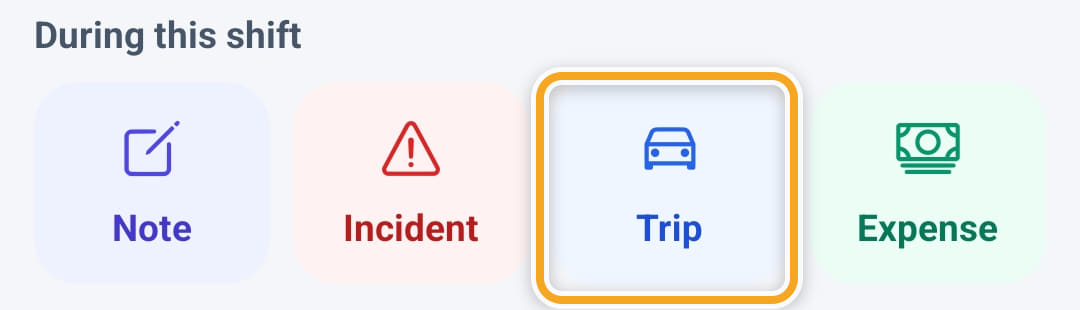
Open the shift and tap Trip under During this shift, or Add trip on the Travel card further down.
- 2
Tap Start trip when you set off. The pickup is pinned and saved straight away — closing the app will not lose it.
- 3
Tap Arrived when you get there. The drop-off is pinned, and the real road distance and travel time appear on screen.
- 4
Add a note if it helps, then Save. The trip closes and the kilometres flow through to the timesheet.
- 5
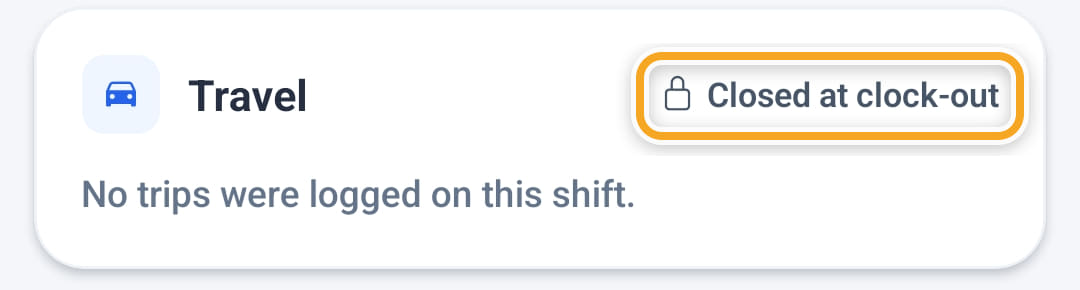
Clocking out closes the shift’s travel: the Travel card then says Closed at clock-out, and no more trips can be added to that shift.
Did this answer your question?
If not, talk to us — we answer from Australia, in business hours.