
The mobile app
My Schedule
Schedule tab4 steps
Written by Fahid Safdar, Founder & Product, Rostery · Checked
Their own roster. An administrator sees the whole roster under Roster; a support worker sees only their own shifts.
Step by step
- 1
Tap Schedule in the bar at the bottom, or My schedule in the menu.

- 2
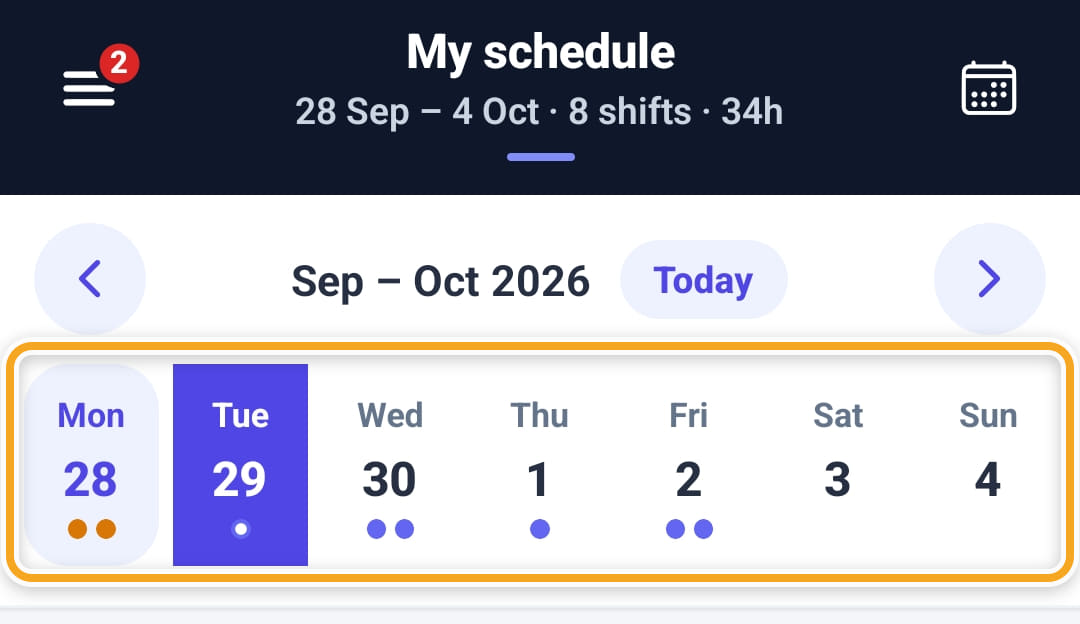
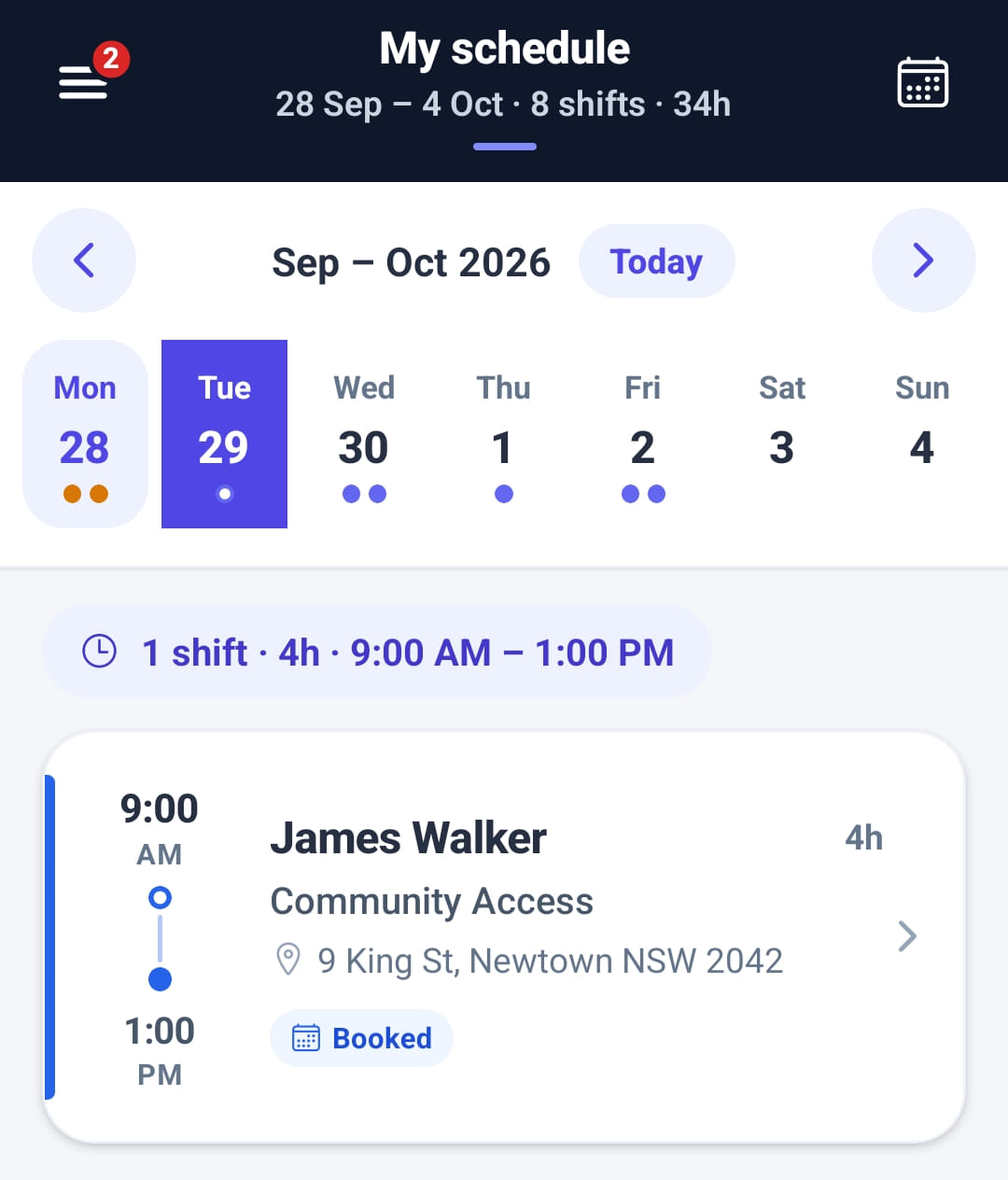
Tap a day in the week strip to see its shifts. Swipe the strip or use the arrows to change week, Today to come back, or the calendar icon at the top right to jump to a date. The header totals the week.
- 3
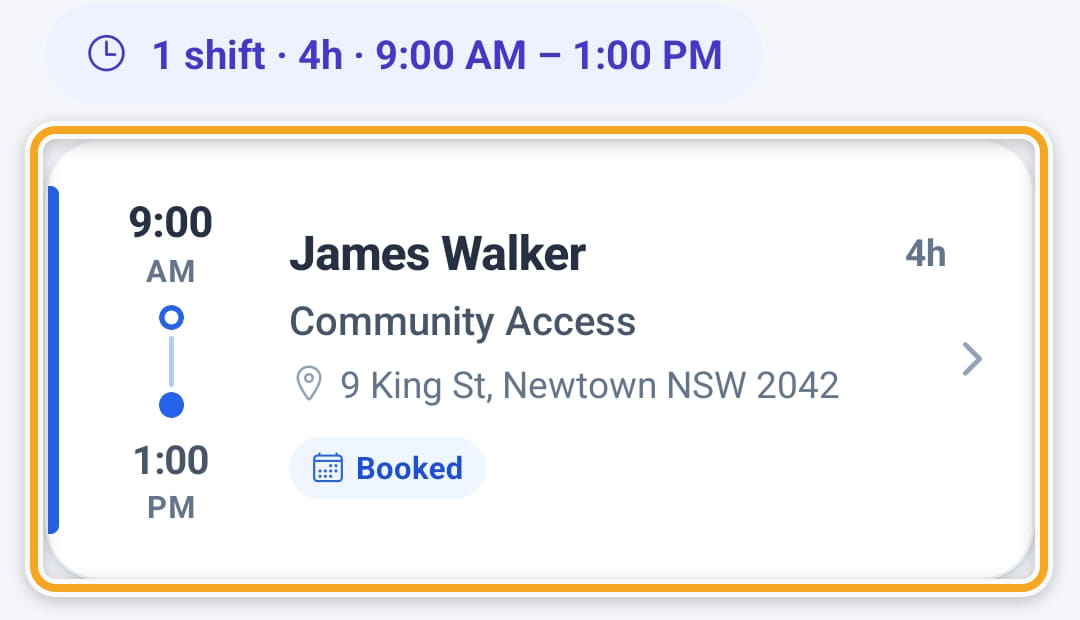
The line under the strip totals the day. Tap a shift to open it.
- 4
A shift they claimed from the Job board shows as pending until the office confirms it.
The screen
Did this answer your question?
If not, talk to us — we answer from Australia, in business hours.