
The mobile app
Medications
Recording each dose as given or not given, on the participant’s medication chart.
Step by step
- 1
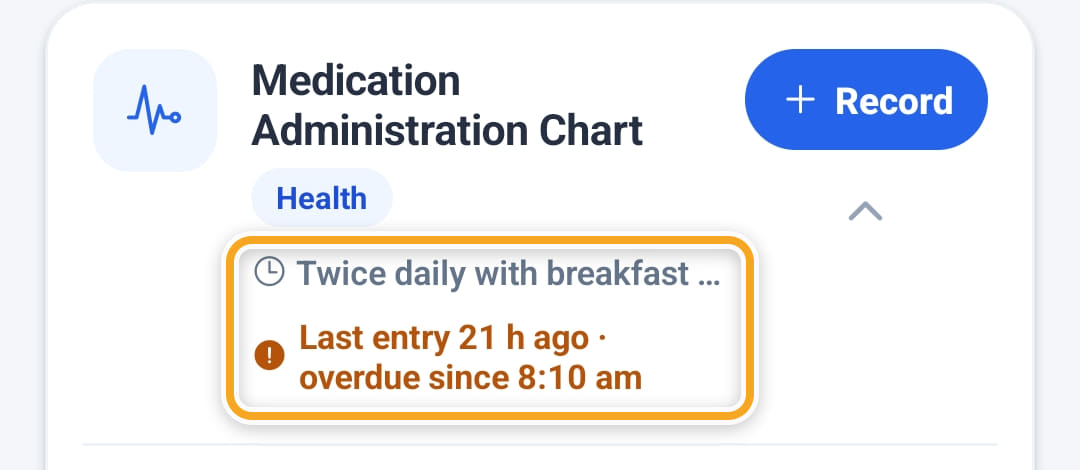
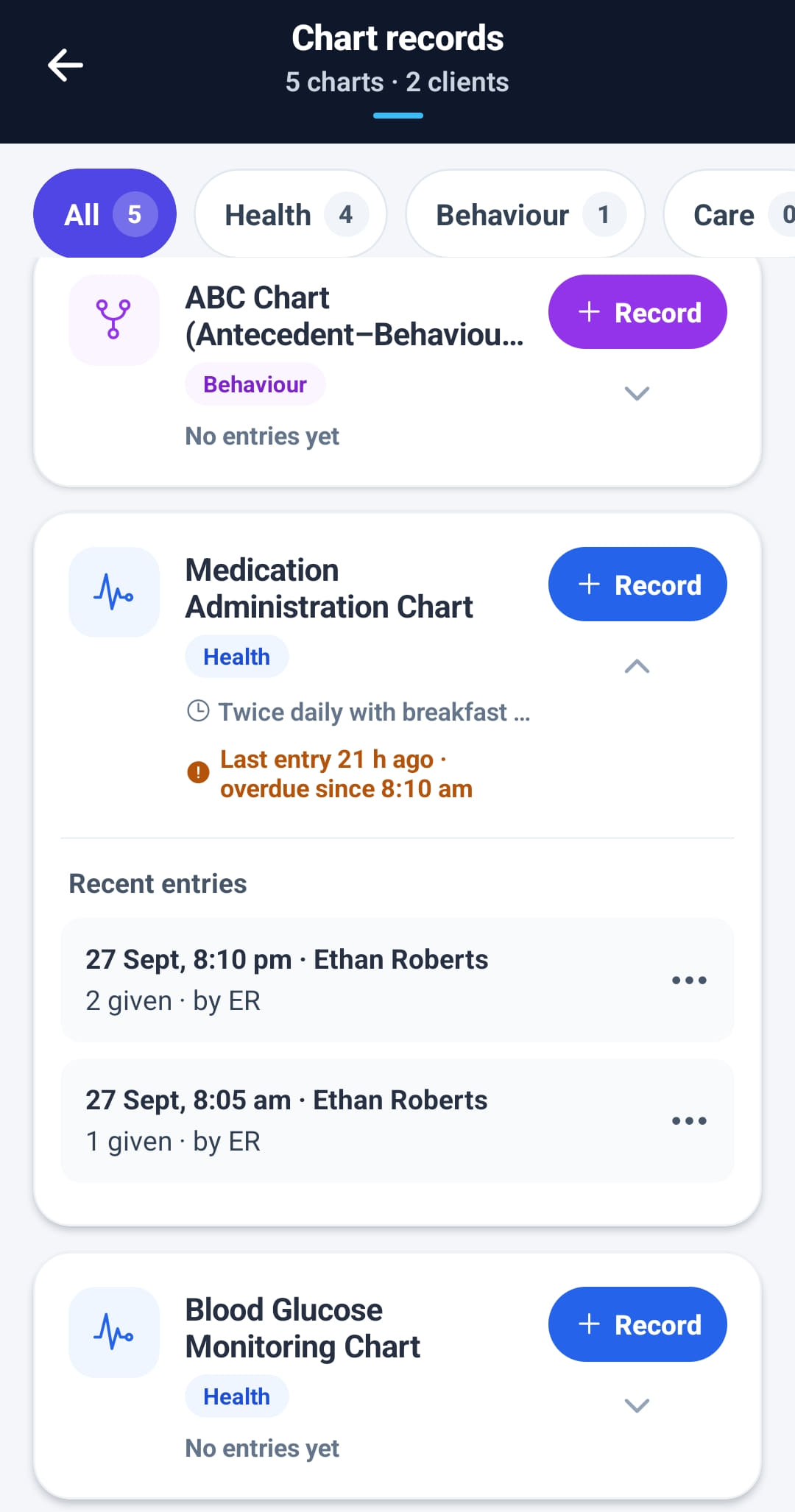
Open Chart records from the menu, or Chart on the shift, and find the participant’s medication chart. Under its schedule it says when the last entry was made and whether the next round is due, overdue or missed.
- 2
Tap Record. Each medication on the chart is listed with its route and frequency; mark each one Given or Not given, and the time.
- 3
Not given needs a reason — refused, asleep, not in stock. Nothing is marked Given until they say so.
- 4
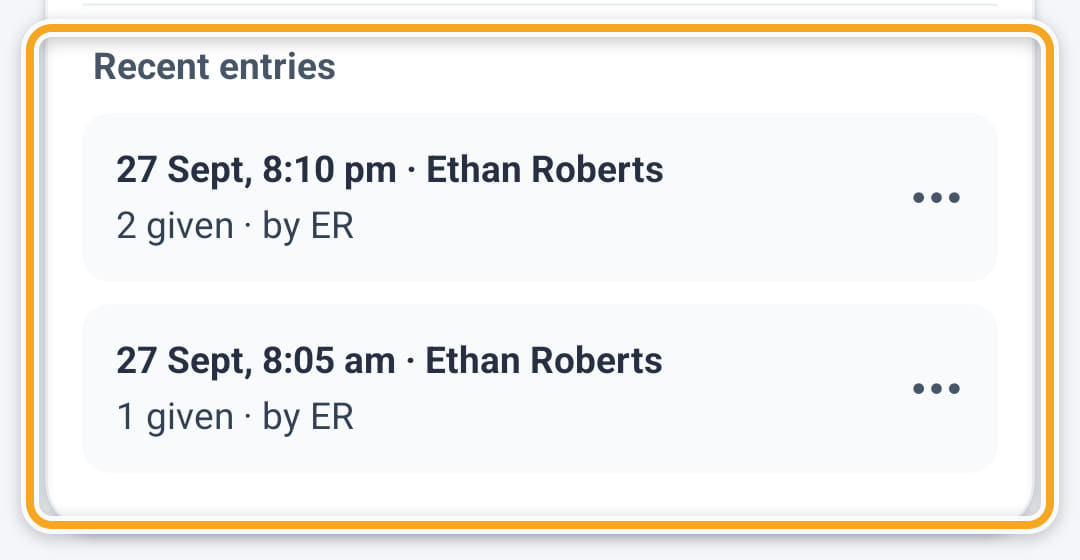
Add their initials and any other notes, then tap Save entry. It appears under Recent entries, where the ••• menu lets them edit it.
The screen
Did this answer your question?
If not, talk to us — we answer from Australia, in business hours.