
The mobile app
Messages
Menu → Messages4 steps
Written by Fahid Safdar, Founder & Product, Rostery · Checked
Messages from the office, on the phone.
Step by step
- 1
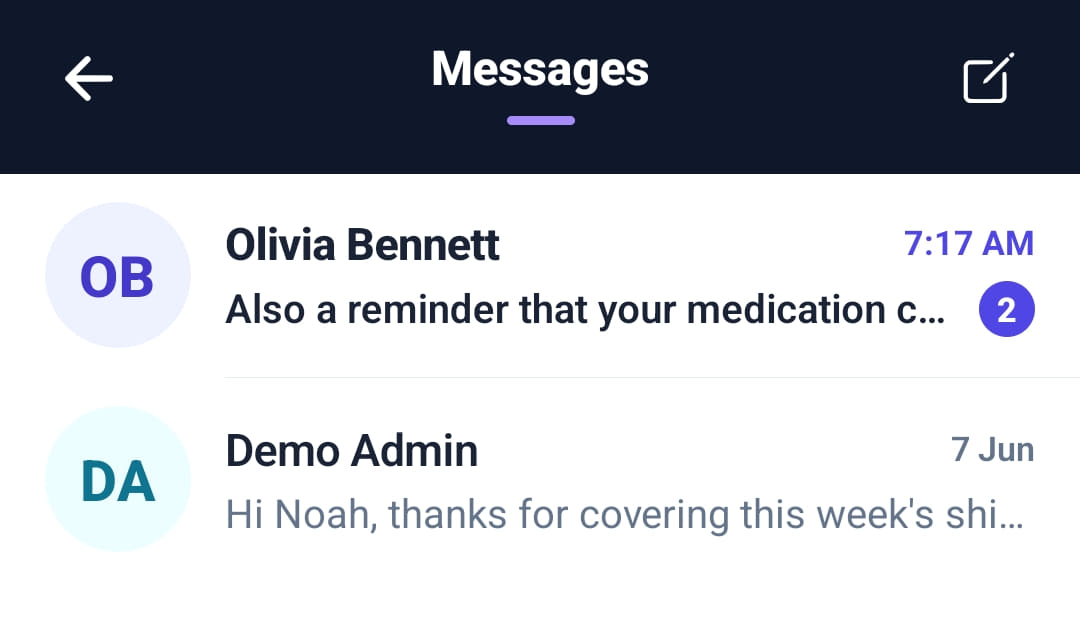
Open Messages from Quick actions on Home or from the menu. The number beside a conversation is how many are unread.
- 2
Tap a conversation to read and reply.
- 3
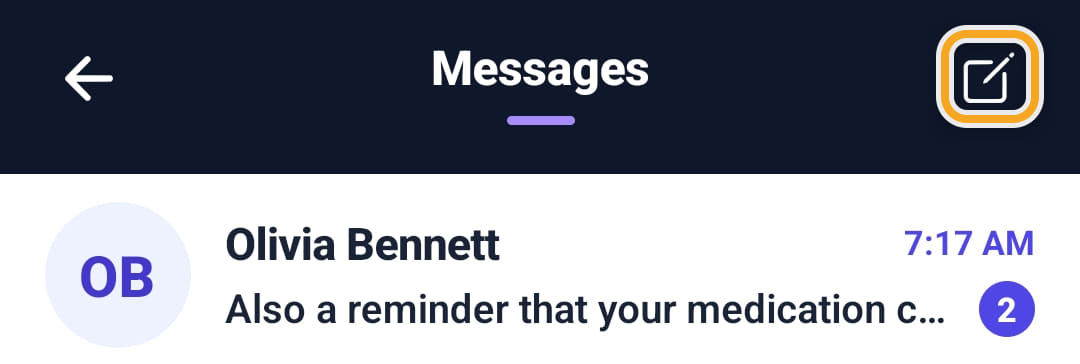
Tap the pencil at the top right to start a new message and choose who it goes to.
- 4
Anything sent from the web Messages screen arrives here.
The screen
Did this answer your question?
If not, talk to us — we answer from Australia, in business hours.