
The mobile app
Expenses
Shift → Expense5 steps
Written by Fahid Safdar, Founder & Product, Rostery · Checked
Out-of-pocket costs claimed back, with the receipt attached.
Step by step
- 1
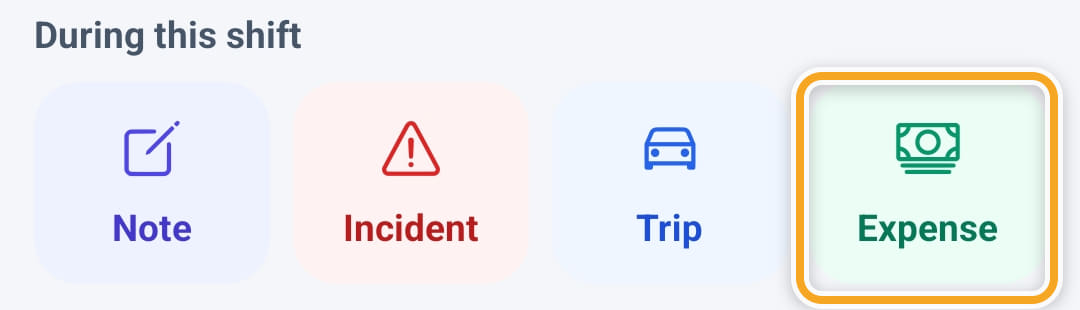
Open the shift and tap Expense under During this shift.
- 2
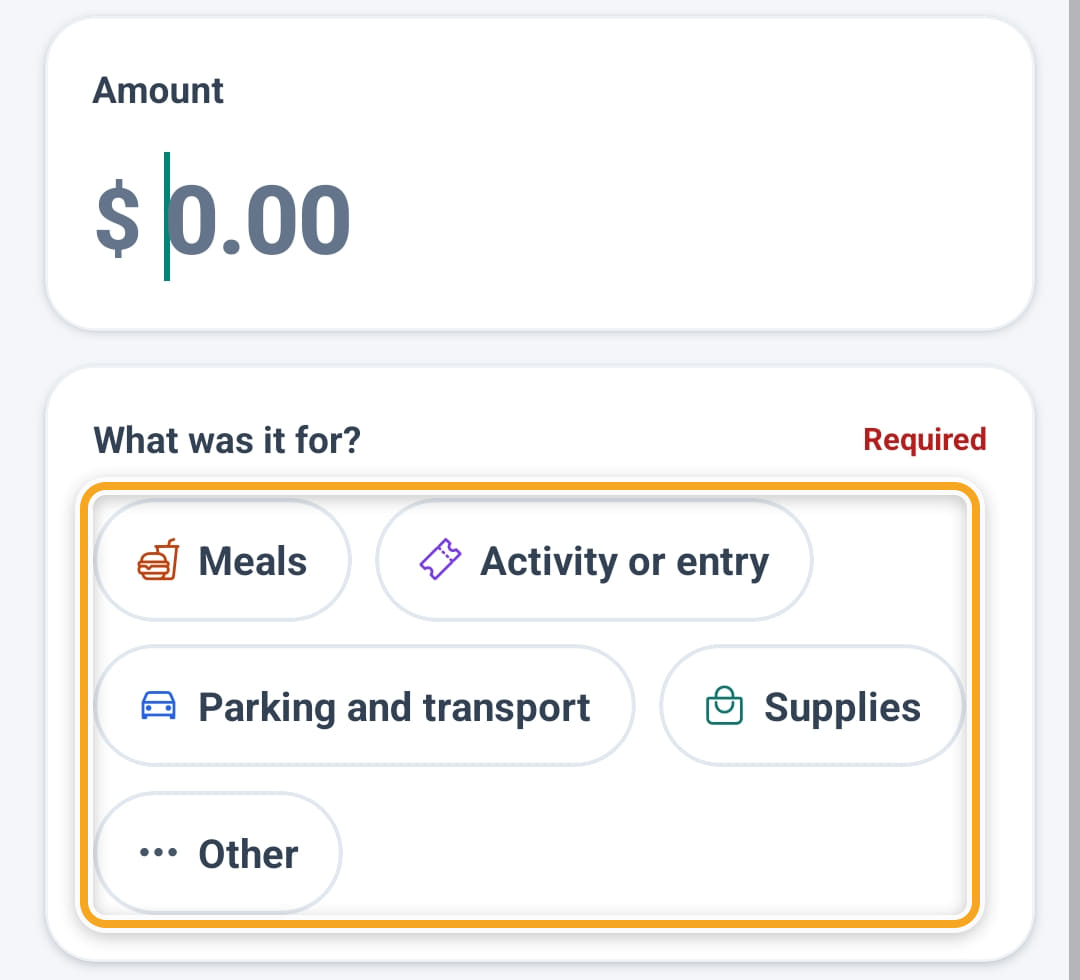
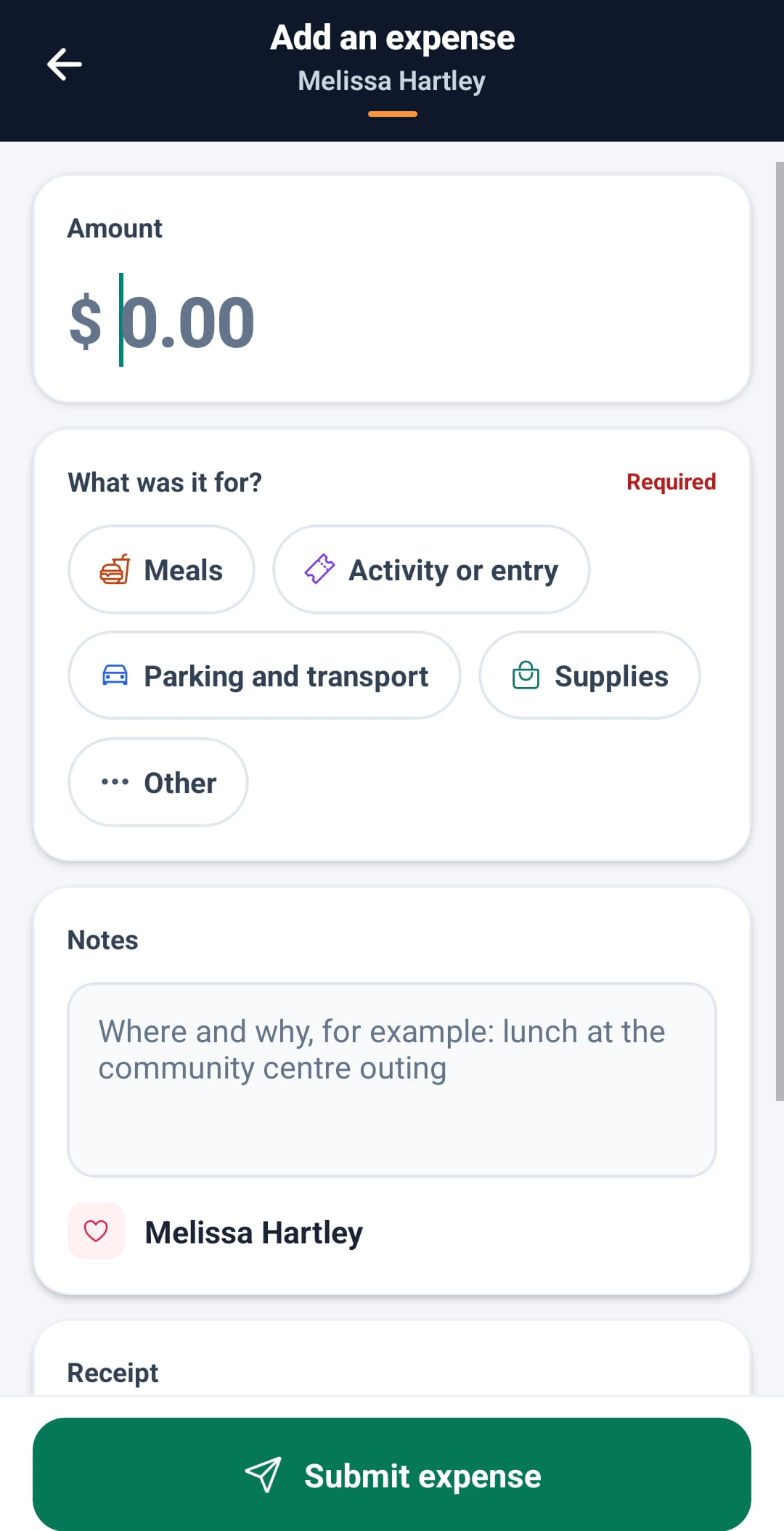
Enter the Amount and choose what it was for: Meals, Activity or entry, Parking and transport, Supplies or Other.
- 3
Add Notes saying where and why.
- 4
Under Receipt, tap Take photo or Upload. The office needs the receipt to approve the claim.
- 5
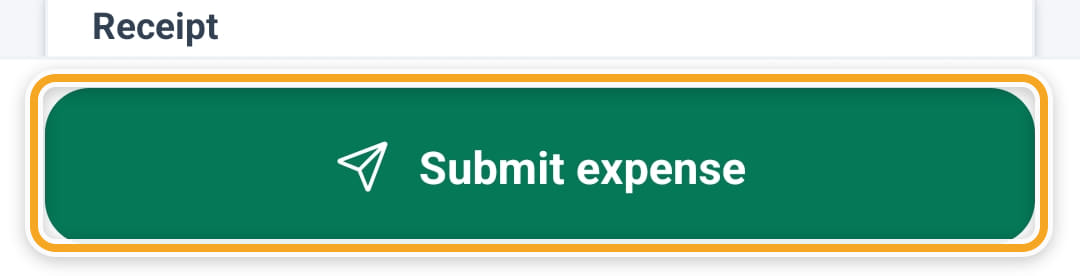
Tap Submit expense. It appears on your Reimbursements screen for approval.
The screen
Did this answer your question?
If not, talk to us — we answer from Australia, in business hours.