
The mobile app
Incidents
Reporting something that went wrong, from the phone, while it is still fresh.
Step by step
- 1
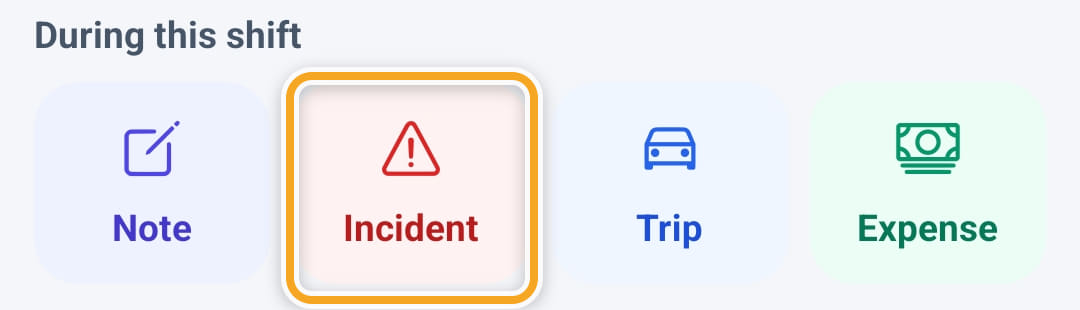
Open the shift and tap Incident under During this shift, or Report incident on Home.
- 2
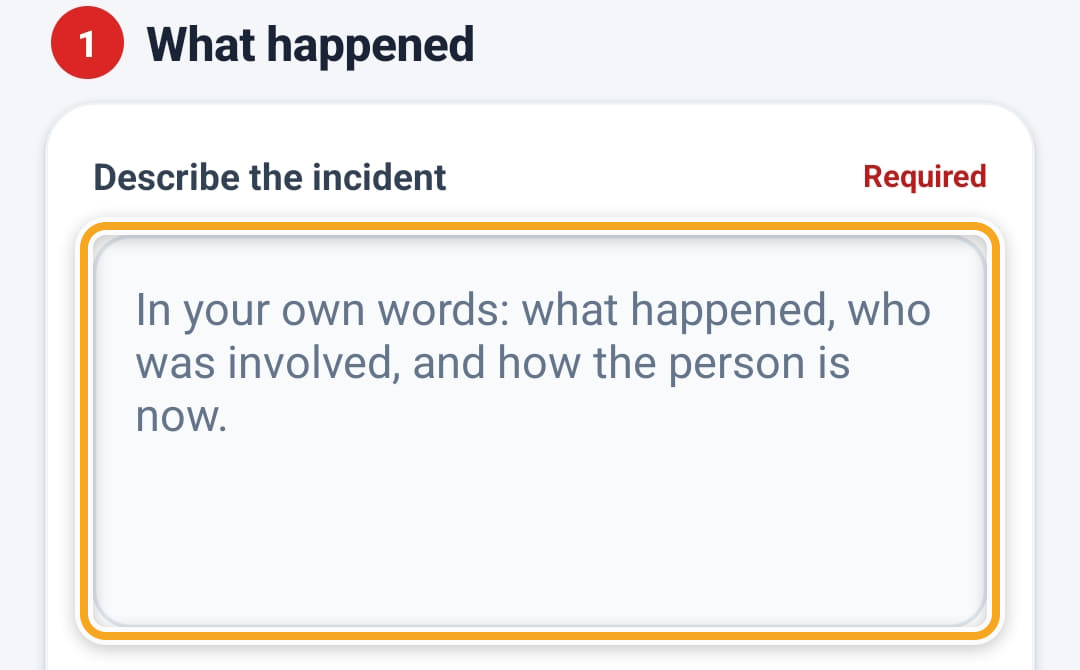
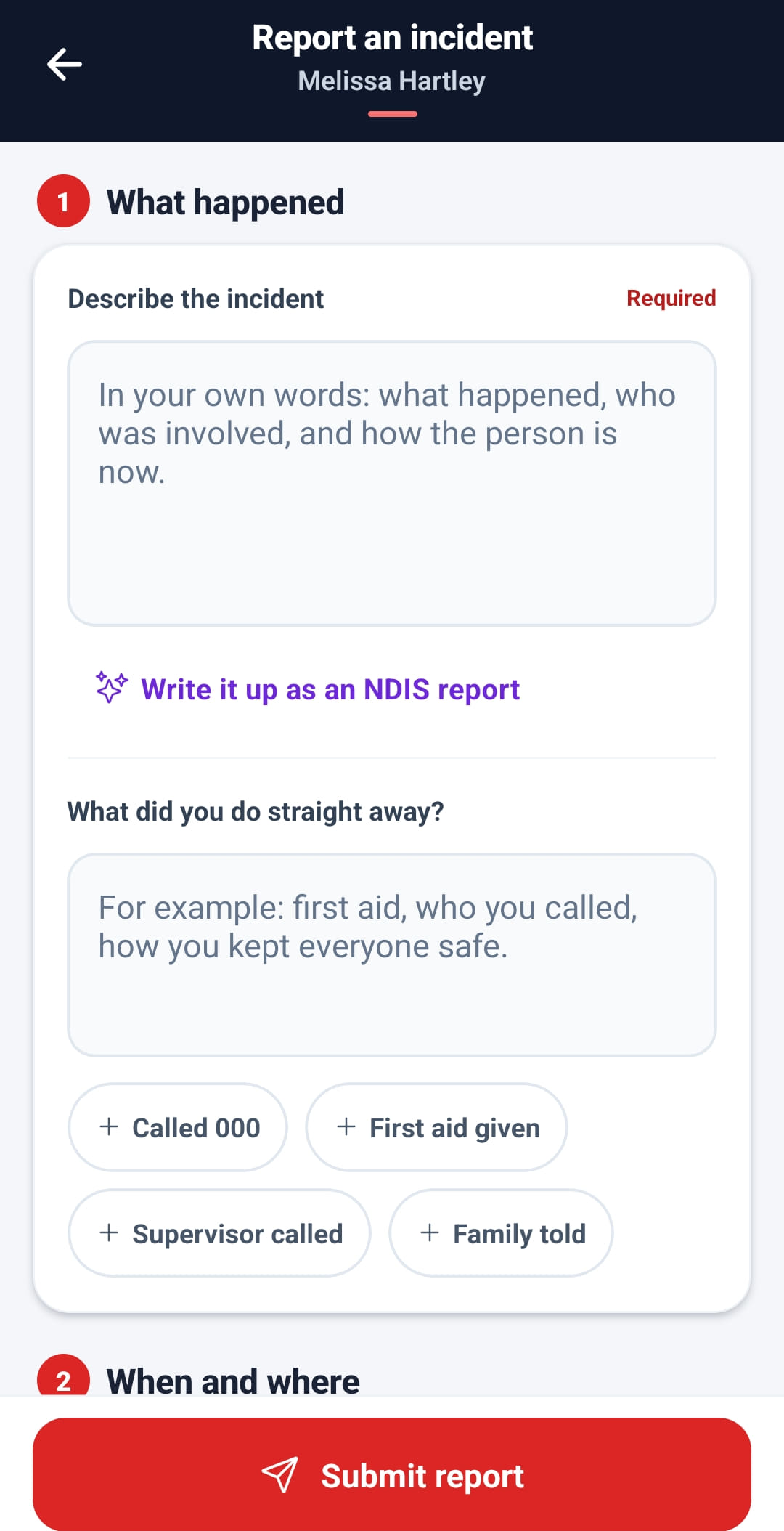
Under What happened, describe it in their own words: what happened, who was involved, and how the person is now.
- 3
Tap Write it up as an NDIS report for an AI draft of the same account. Use draft swaps it in; their own words are kept, so Restore my words brings them back.

- 4
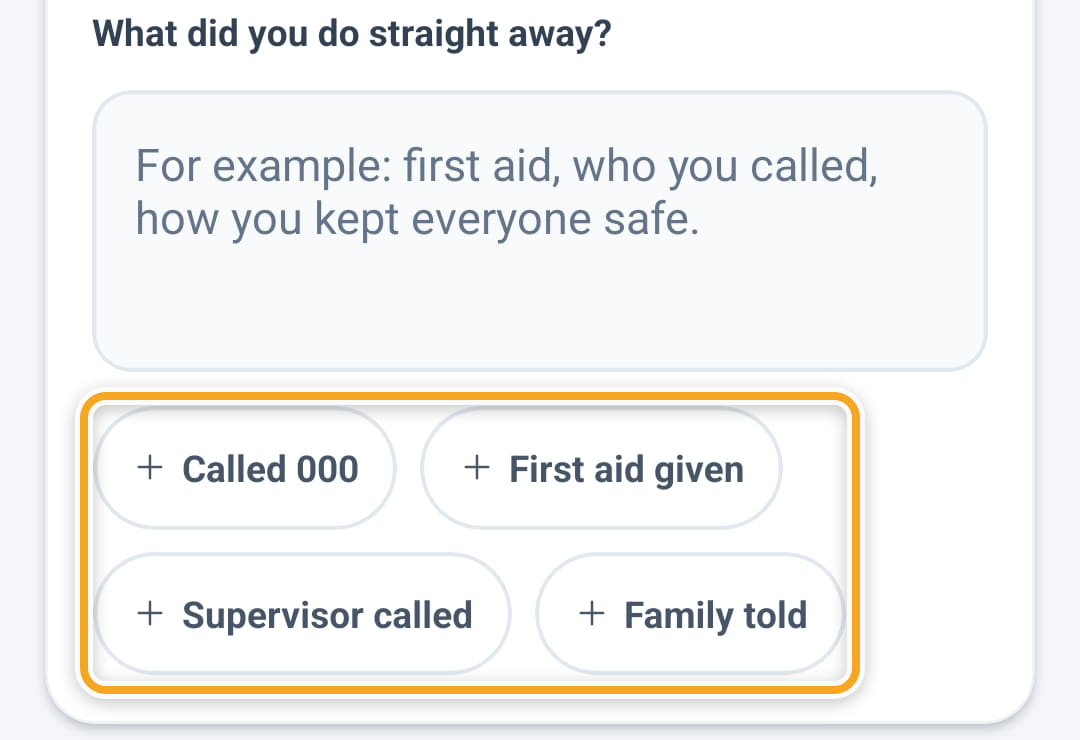
Under What did you do straight away?, say what they did. The chips — Called 000, First aid given, Supervisor called, Family told — add those words for them.
- 5
Fill in When and where, then Type and severity. Category 4 or 5 tells them to call their supervisor now, with a button that rings them.
- 6
Tap Submit report. It arrives on the Incidents screen on the web for assessment and investigation.
The screen
Did this answer your question?
If not, talk to us — we answer from Australia, in business hours.