
The mobile app
Timesheets
Timesheet tab5 steps
Written by Fahid Safdar, Founder & Product, Rostery · Checked
What the worker has submitted, and where each one is up to.
Step by step
- 1
Tap Timesheet in the bar at the bottom, or My timesheet in the menu.

- 2
Choose the period along the top: This week, Last week, Fortnight or All.

- 3
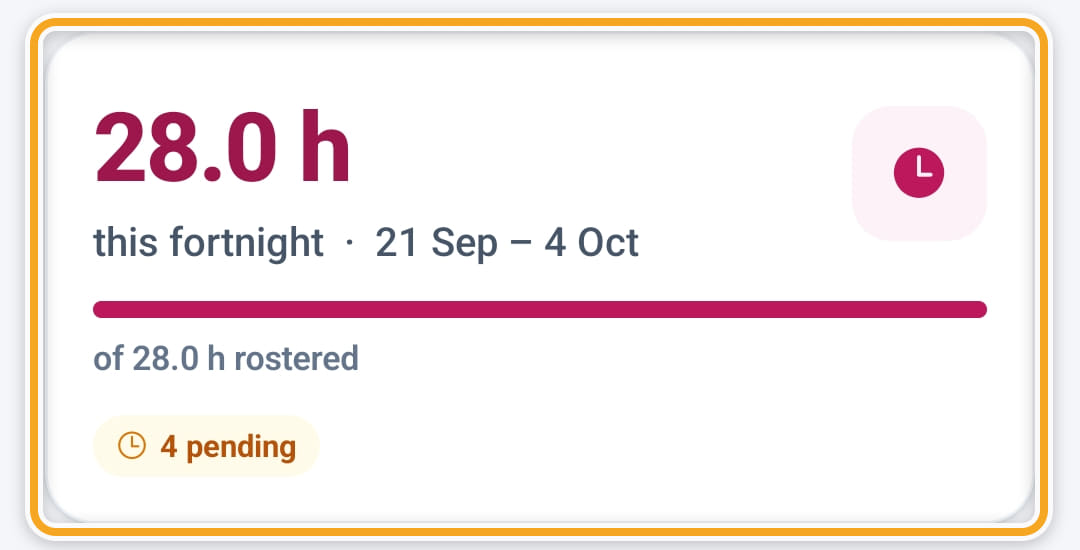
The card at the top totals the hours worked in that period against the hours rostered, and counts the entries that are approved, pending and rejected — so nobody has to ring and ask.
- 4
Below it, each shift shows its clock-in and clock-out times, how far from the address each one was, and the hours.
- 5
There is nothing to submit: clocking out sends the entry for approval.
Did this answer your question?
If not, talk to us — we answer from Australia, in business hours.