
The mobile app
Progress notes
What happened on the shift. It is the clinical record, and often the evidence behind the billing.
Step by step
- 1
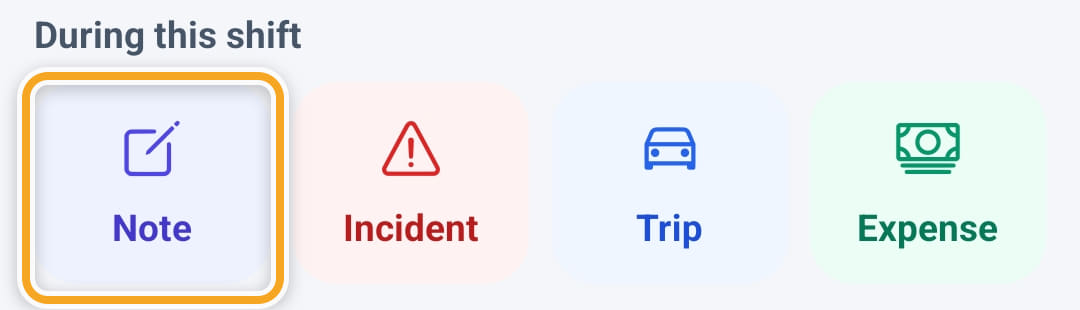
Open the shift and tap Note under During this shift. Add note on Home does the same for the shift they are on.
- 2
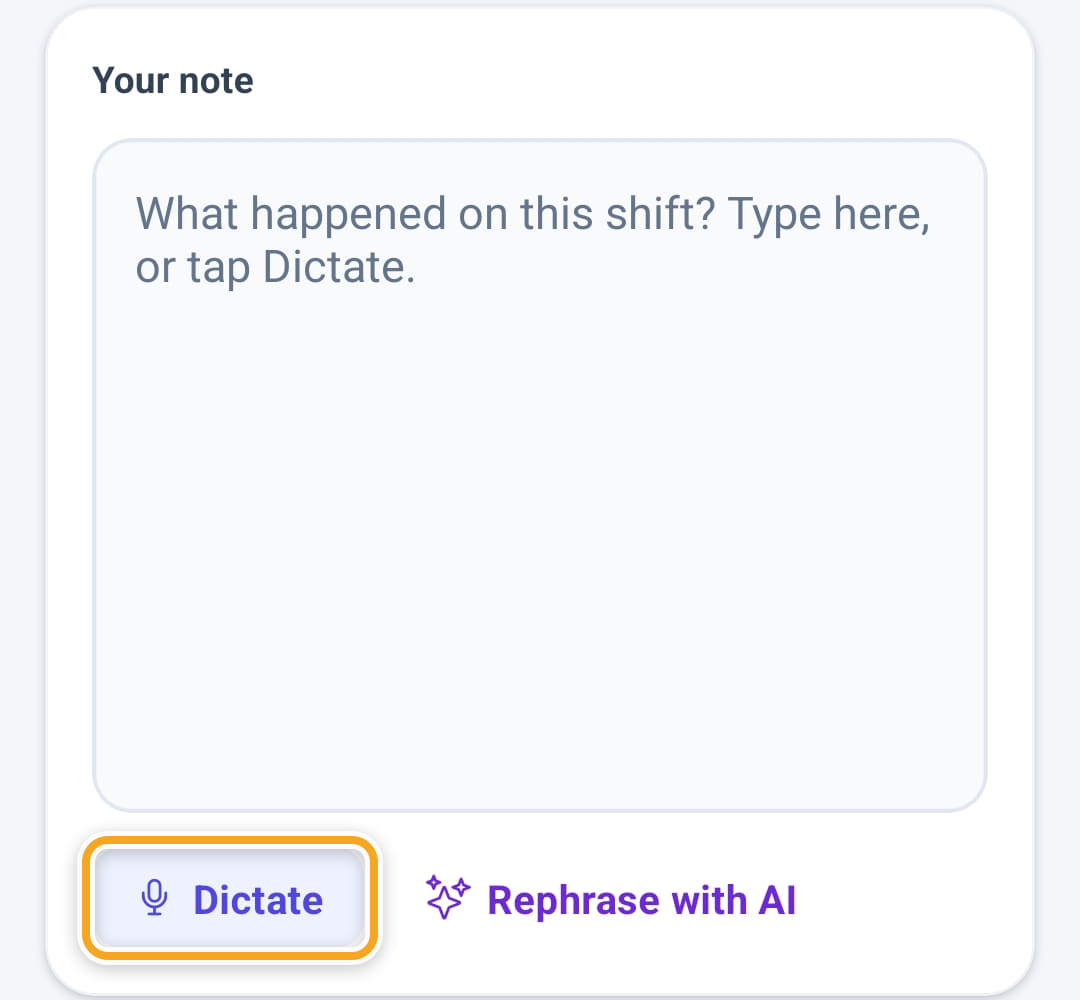
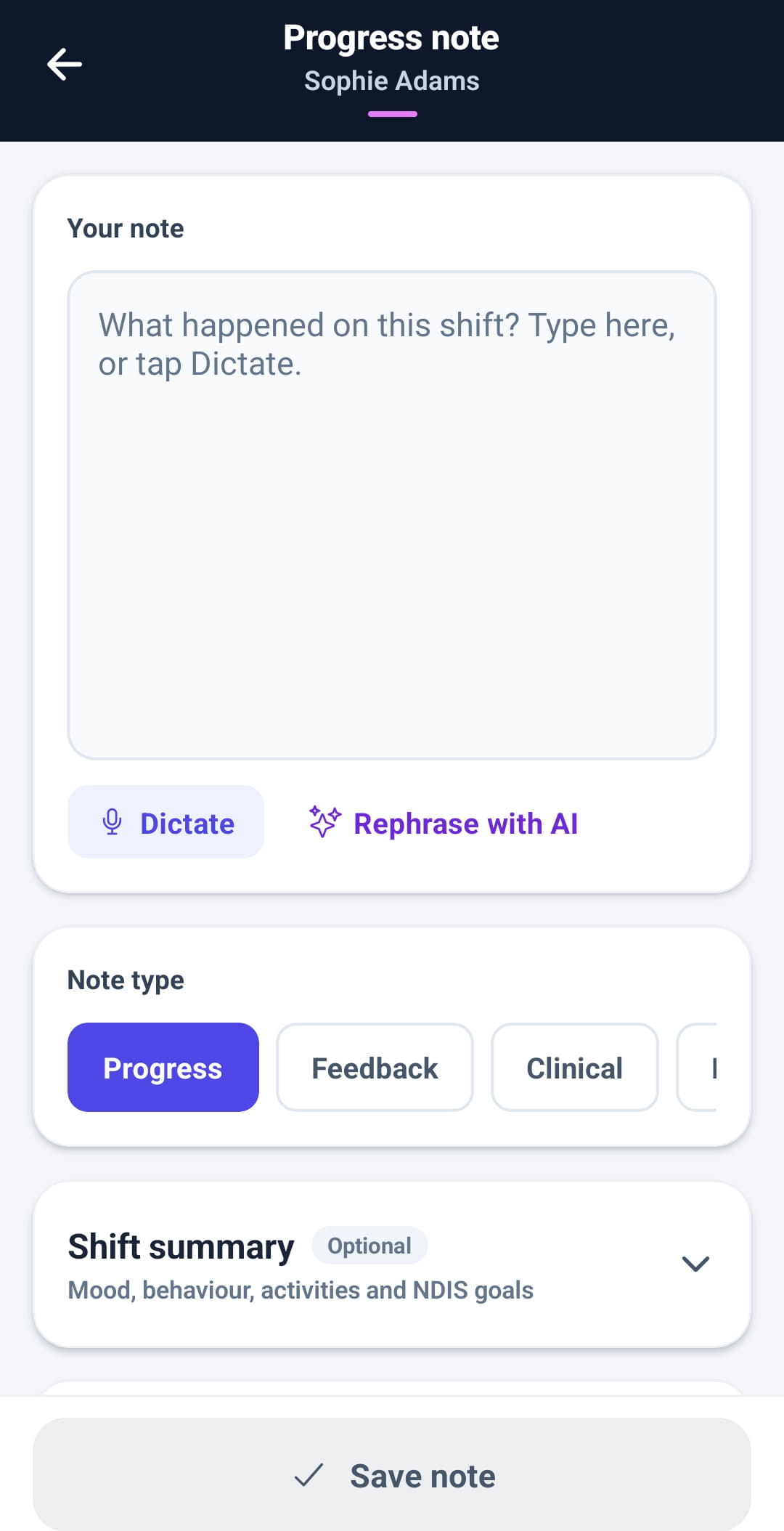
Write what happened, what was done, and anything that changed — or tap Dictate and speak, and the recording is typed into the note.
- 3
Tap Rephrase with AI for clearer wording. It appears underneath as a suggestion: Use this puts it in the note, Keep mine leaves theirs as it was. Read it first — it is their record, not the AI’s.
- 4
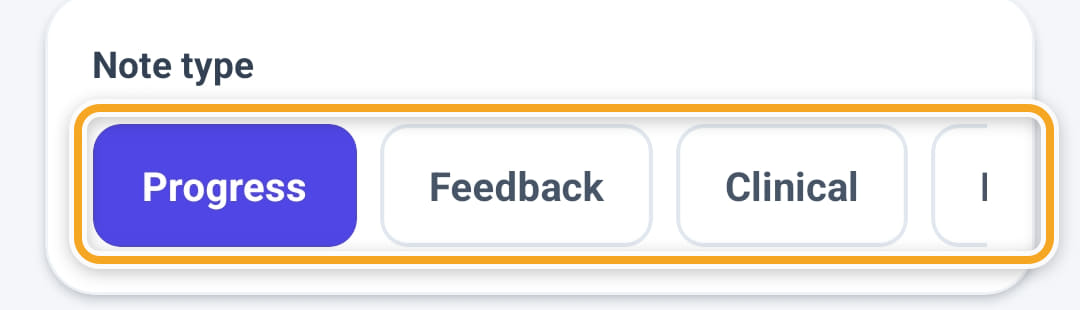
Pick the Note type: Progress, Feedback, Clinical, Handover or General.
- 5
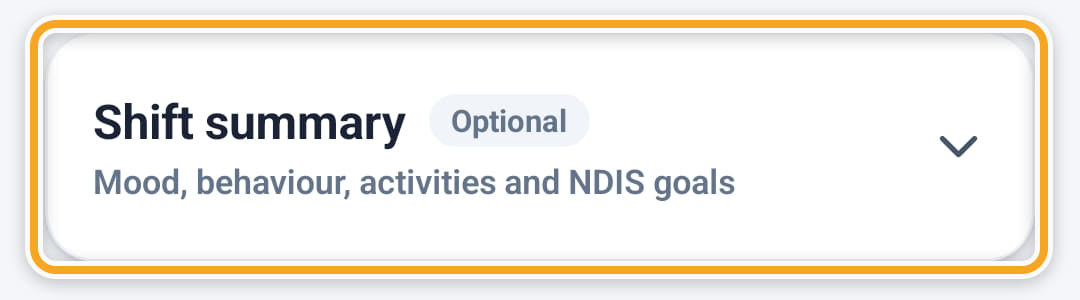
Open Shift summary to rate mood and behaviour and tick the activities and NDIS goals worked on. It is optional.
- 6
Add photos under Photos if they help — up to six on a note.
- 7
Tap Save note before leaving the shift. A note written two days later is worth much less, and the report shows how late it was.
The screen
Did this answer your question?
If not, talk to us — we answer from Australia, in business hours.