
The mobile app
Tasks on a shift
Shift → Tasks3 steps
Written by Fahid Safdar, Founder & Product, Rostery · Checked
What the office wants done on this particular shift.
Step by step
- 1
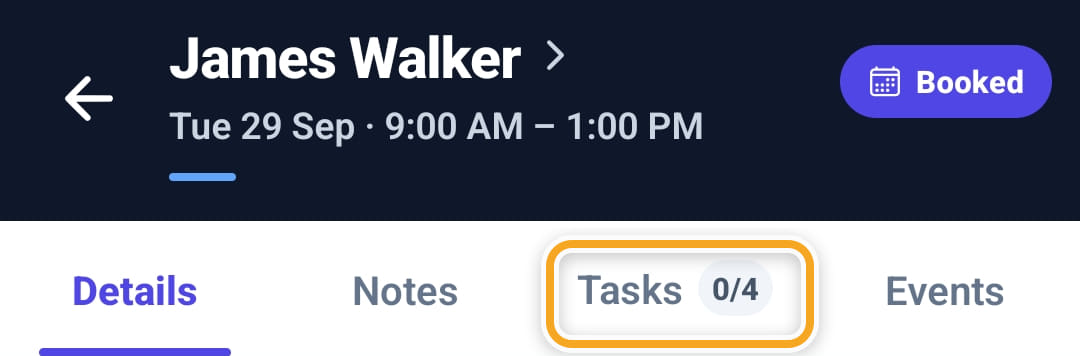
Open the shift and tap Tasks. The count beside it is how many of the shift’s tasks are marked done — 0/4 here.
- 2
What to do this shift shows the activity, the instructions and any roster comments written on the shift.
- 3
Below it is the task list. On the phone it is a list to read: tasks cannot be ticked off there.
Did this answer your question?
If not, talk to us — we answer from Australia, in business hours.