
People
Staff Warnings
Staff profile → Warnings5 steps
Written by Fahid Safdar, Founder & Product, Rostery · Checked
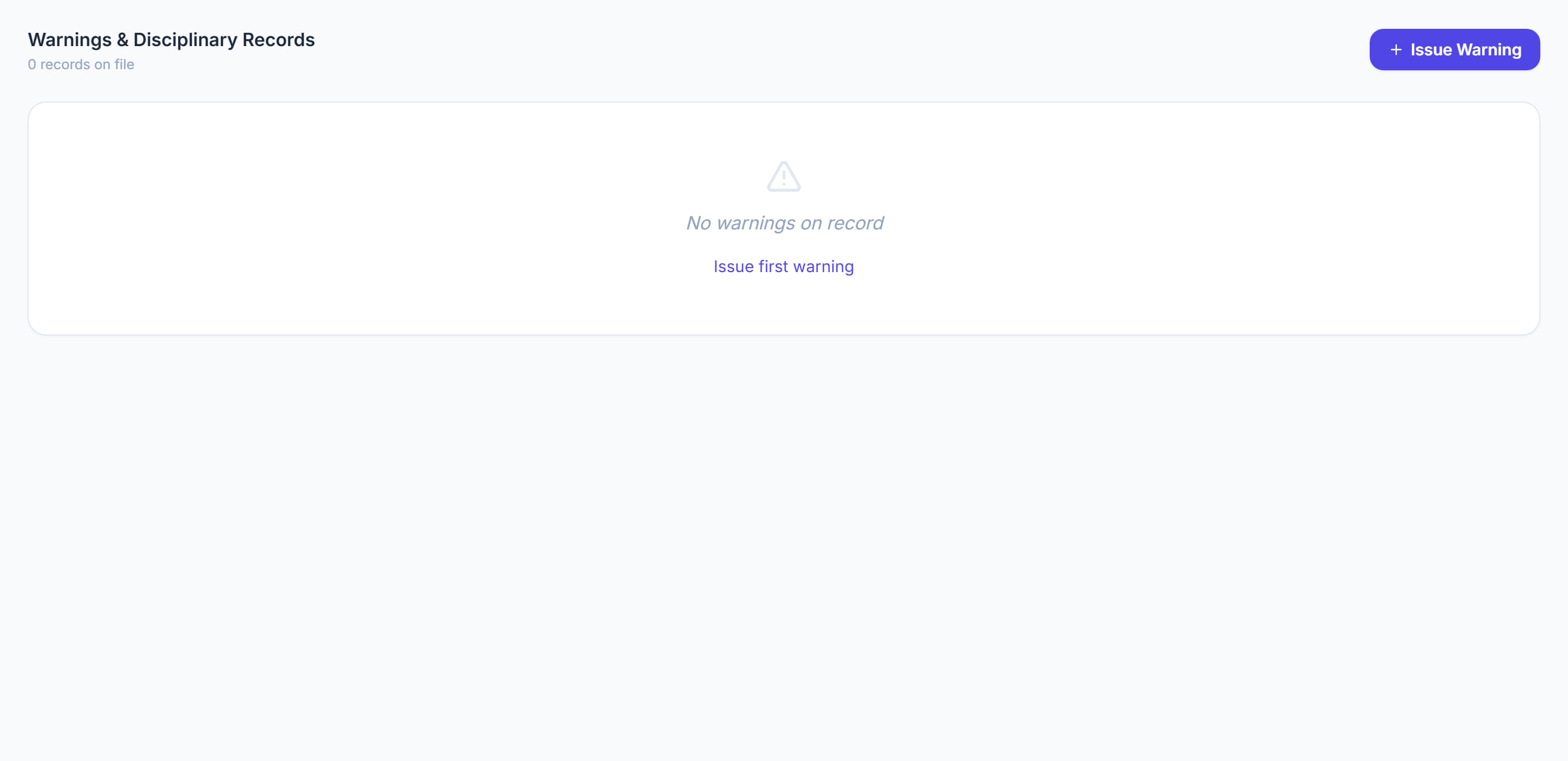
Formal warnings issued to this worker. A sensitive screen, kept because a warning recorded inconsistently is very hard to rely on later.
Step by step
- 1
Open the worker and click the Warnings tab.

- 2
Record a warning with its date and level.

- 3
Write what happened and what was said.
- 4
Attach anything supporting it.
- 5
Save.
The screen
Did this answer your question?
If not, talk to us — we answer from Australia, in business hours.