
People
Staff Documents
Staff profile → Documents6 steps
Written by Fahid Safdar, Founder & Product, Rostery · Checked
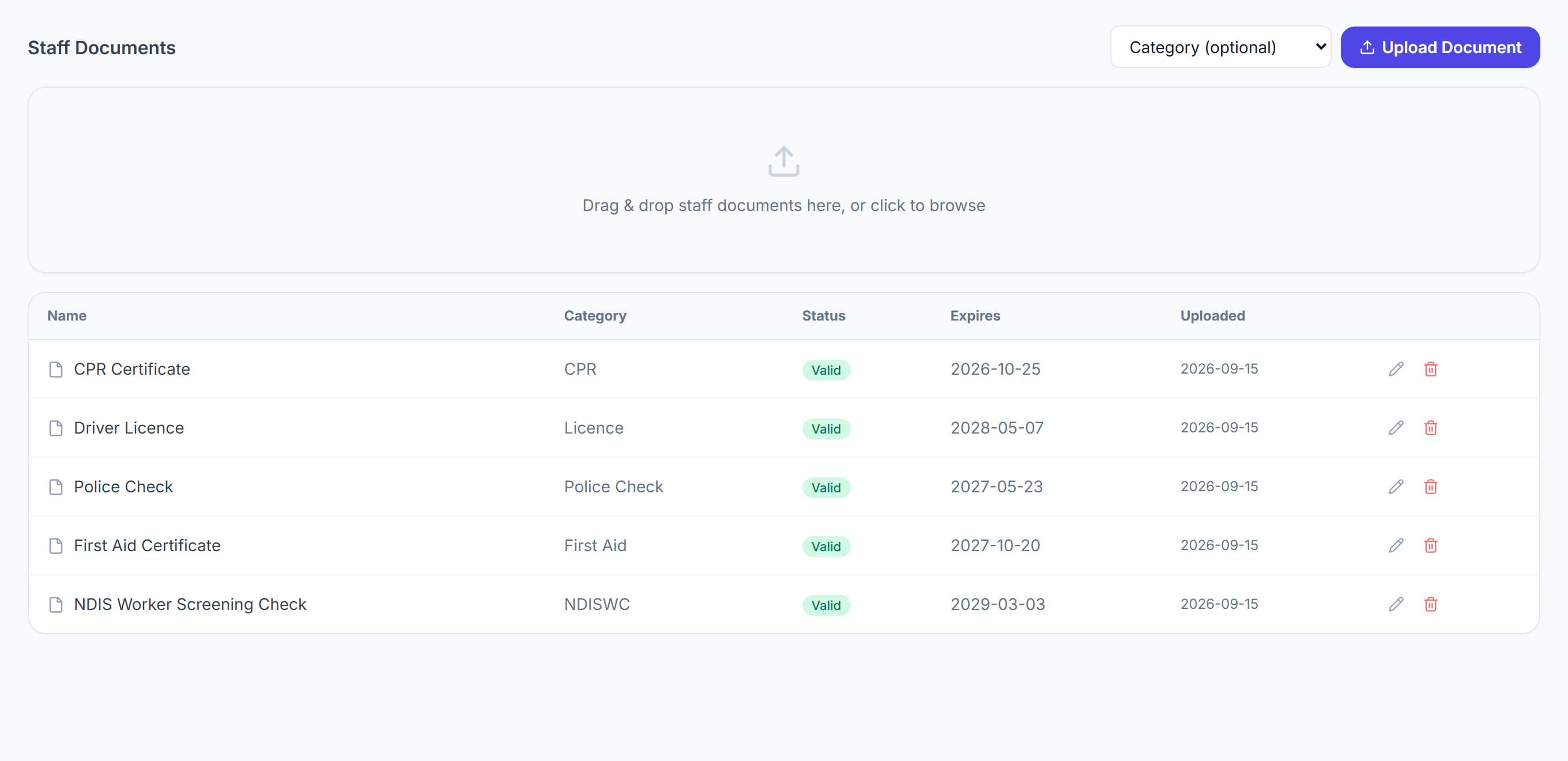
The evidence behind a worker’s qualifications: screening checks, police checks, first aid and CPR certificates, licences, insurances, contracts and right-to-work documents. Expiry dates recorded here are what drive the compliance warnings.
Step by step
- 1
Open the worker and click the Documents tab.

- 2
Upload a file, or drag it onto the panel.

- 3
Choose the category — the assistant usually works out what the document is from its contents.
- 4
Check the expiry date it has read, or type it. This is the field that matters.
- 5
Save.
- 6
Documents nearing expiry appear on the dashboard and in the compliance report, so nobody has to remember.
The screen
Did this answer your question?
If not, talk to us — we answer from Australia, in business hours.