
People
Employee Shifts
Staff profile → Employee Shifts4 steps
Written by Fahid Safdar, Founder & Product, Rostery · Checked
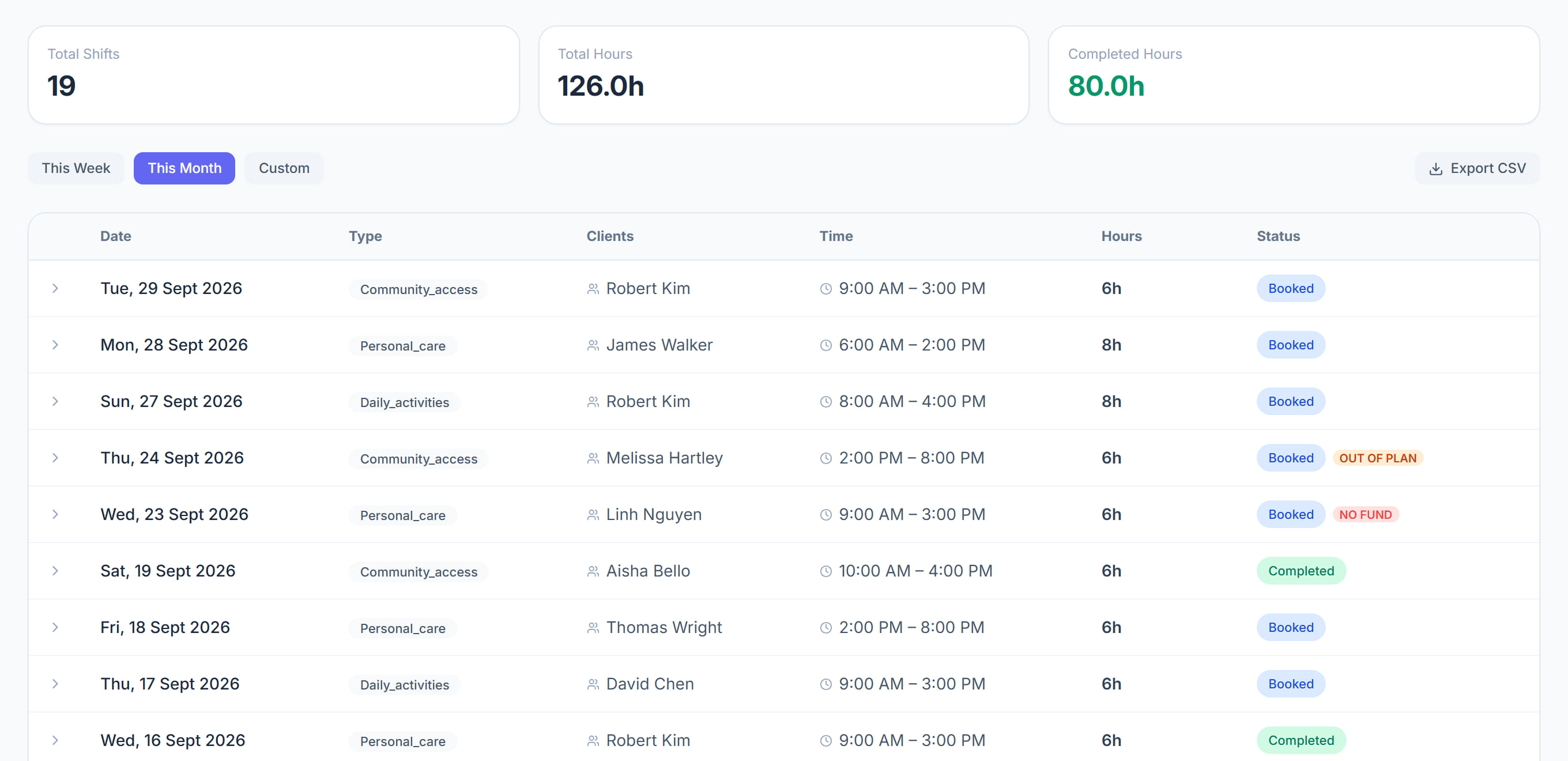
Every shift assigned to this worker as a list rather than a calendar — past and upcoming, with status. The screen to use when somebody queries one specific shift.
Step by step
- 1
Open the worker and click the Employee Shifts tab.

- 2
Filter by date to find the shift in question.
- 3
Check the status. A draft shift is not visible to the worker at all until it is published.
- 4
Click through to the shift to change it.
The screen
Did this answer your question?
If not, talk to us — we answer from Australia, in business hours.