
People
Staff Incidents
Staff profile → Incidents4 steps
Written by Fahid Safdar, Founder & Product, Rostery · Checked
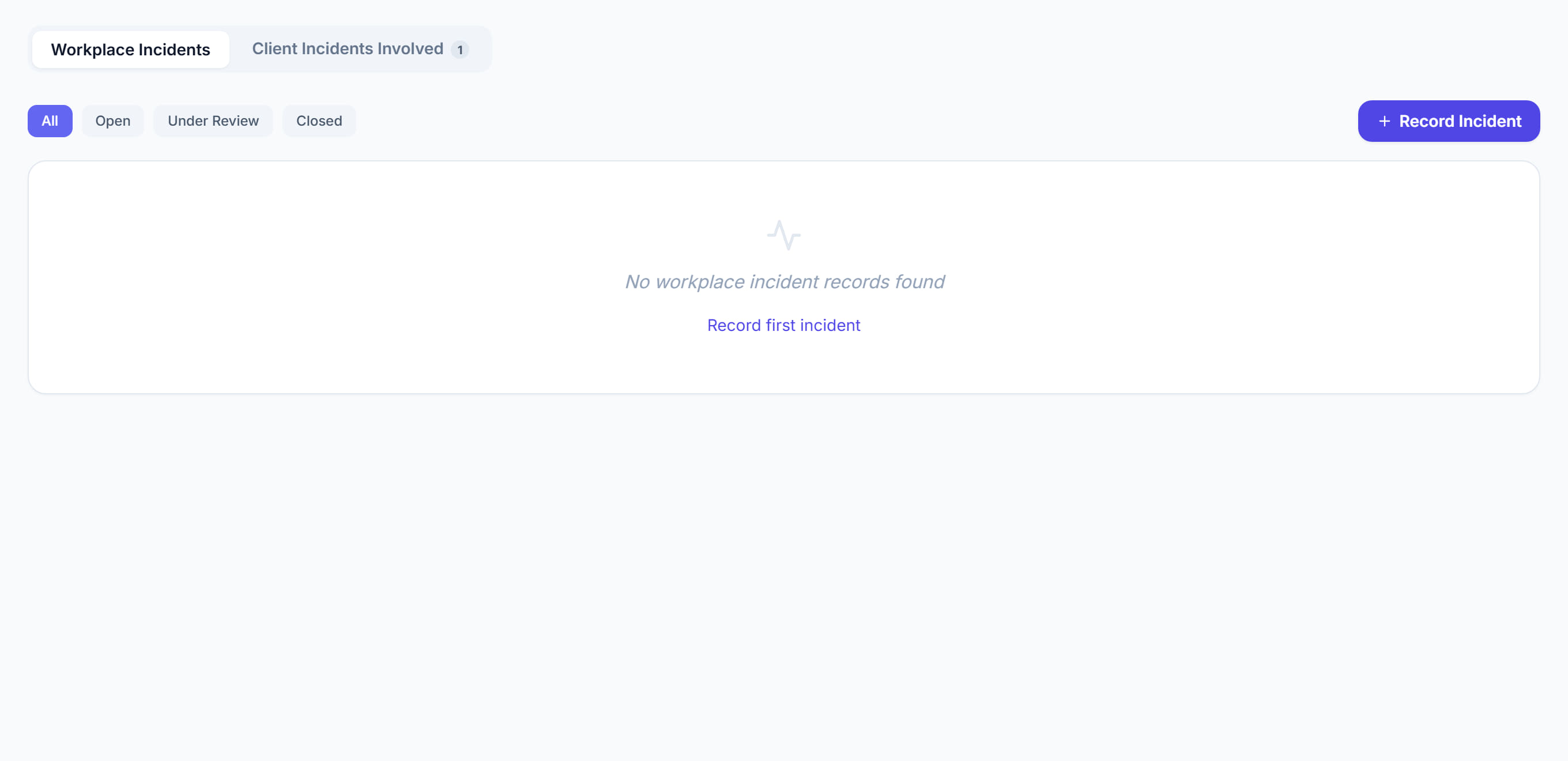
Incidents this worker was involved in or reported — the same records as the incident register, narrowed to one person. This is where a pattern shows itself.
Step by step
- 1
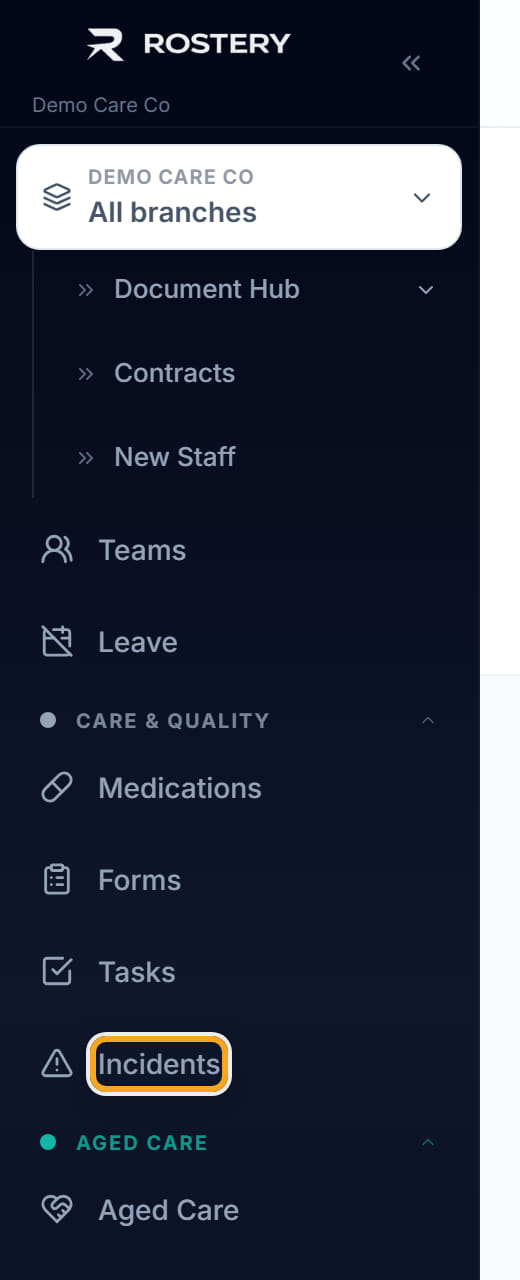
Open the worker and click the Incidents tab.
- 2
Read them in date order.
- 3
Click one to open the full report.
- 4
Look for clustering — around one worker, one participant or one time of day. That is what the pattern analysis is for, and it is the reason this view exists.
The screen
Did this answer your question?
If not, talk to us — we answer from Australia, in business hours.