
People
Available Shifts
Staff profile → Available Shifts4 steps
Written by Fahid Safdar, Founder & Product, Rostery · Checked
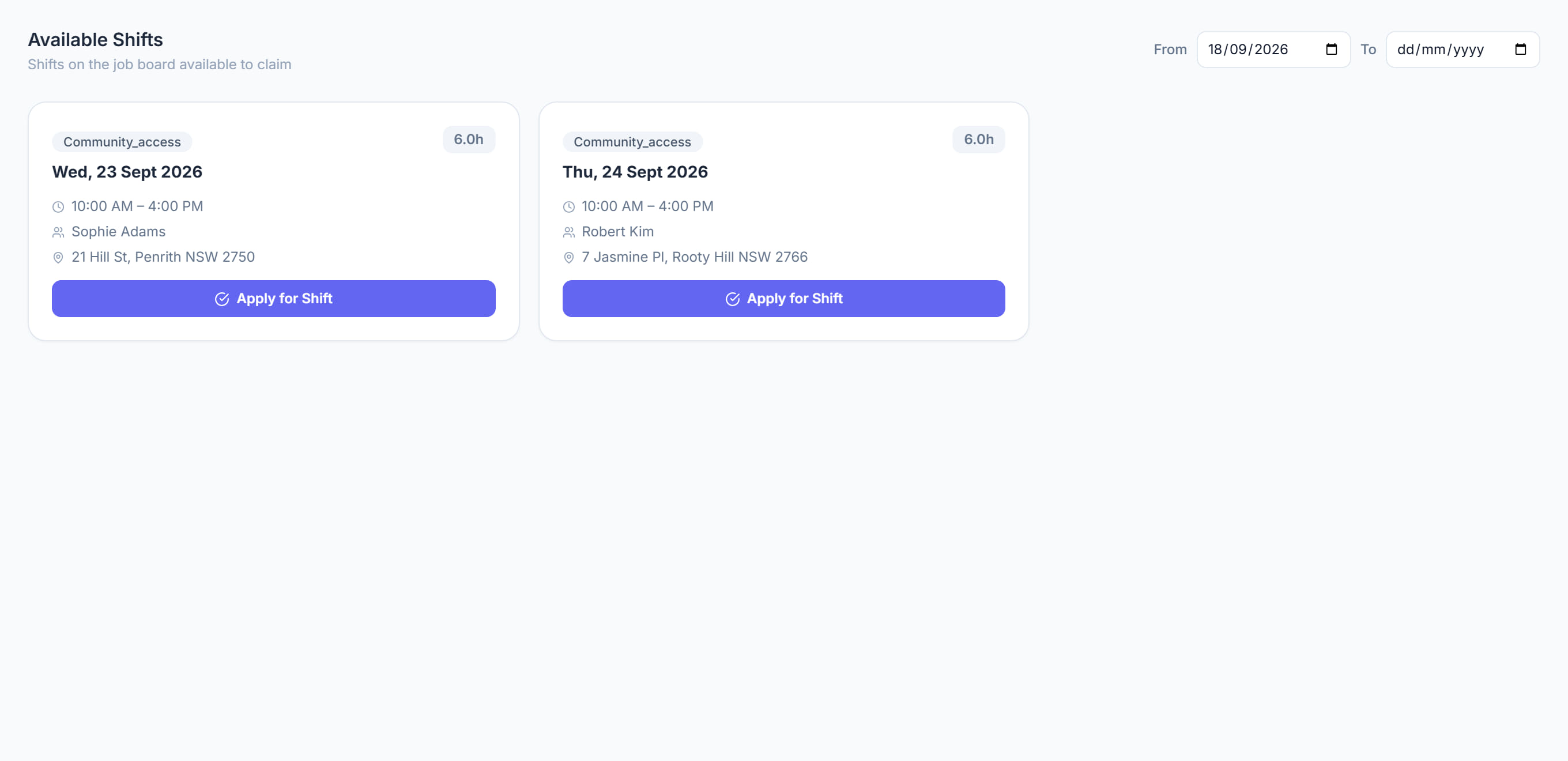
Shifts this worker could pick up — the vacant ones they are qualified and available for. The same pool as the job board, filtered to one person.
Step by step
- 1
Open the worker and click the Available Shifts tab.

- 2
Read what is offered. Anything they are not qualified for, or unavailable for, is not shown.
- 3
Offer one to them, or assign it directly.
- 4
An empty list usually means availability or qualifications rather than a lack of work — check those before assuming there is nothing to give them.
The screen
Did this answer your question?
If not, talk to us — we answer from Australia, in business hours.