
People
Leave
/leave3 stepsWritten by Fahid Safdar, Founder & Product, Rostery · Checked
Leave requests from workers, and the approvals that keep them off the roster.
Step by step
- 1
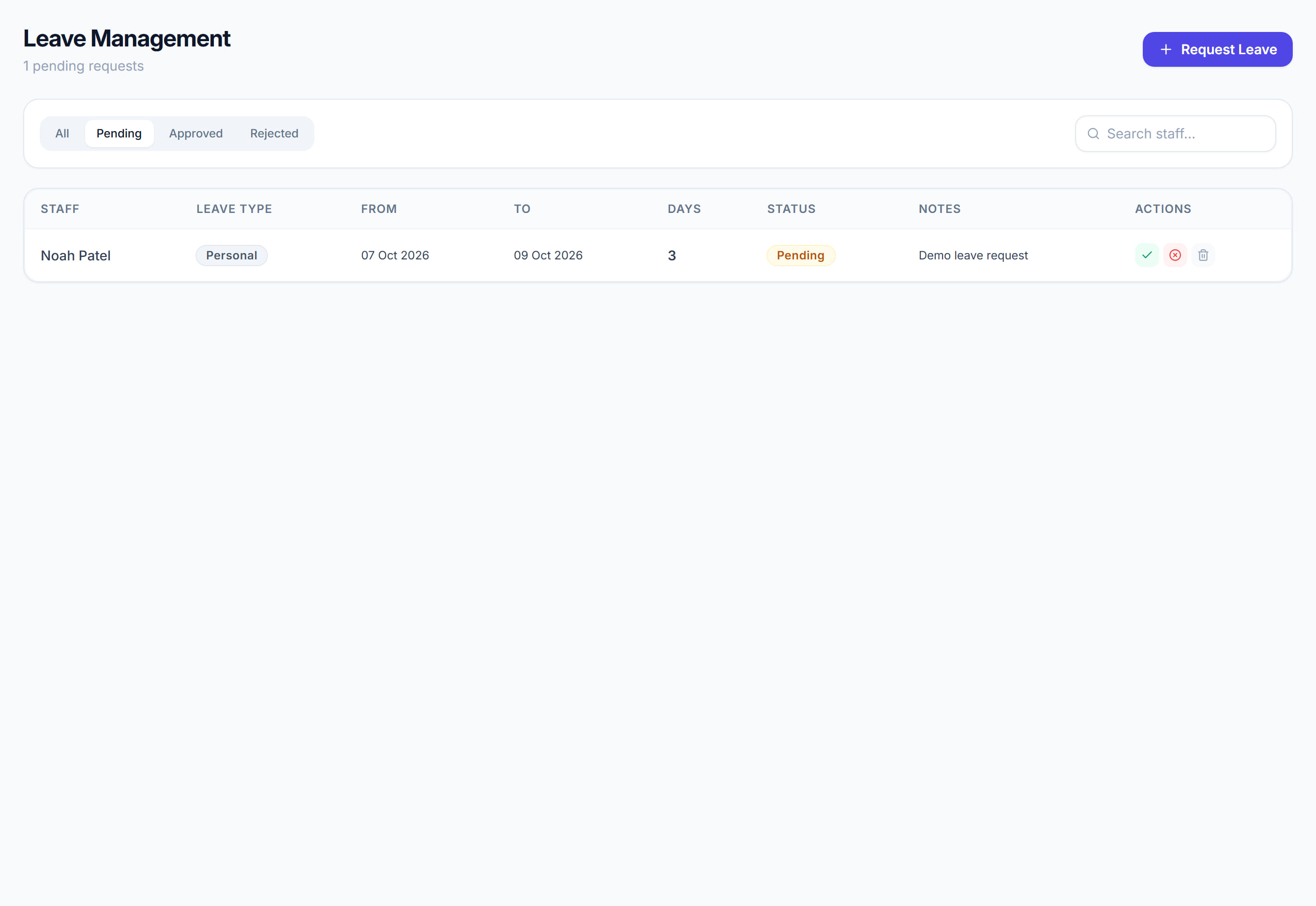
Workers request leave from the mobile app; it arrives here.
- 2
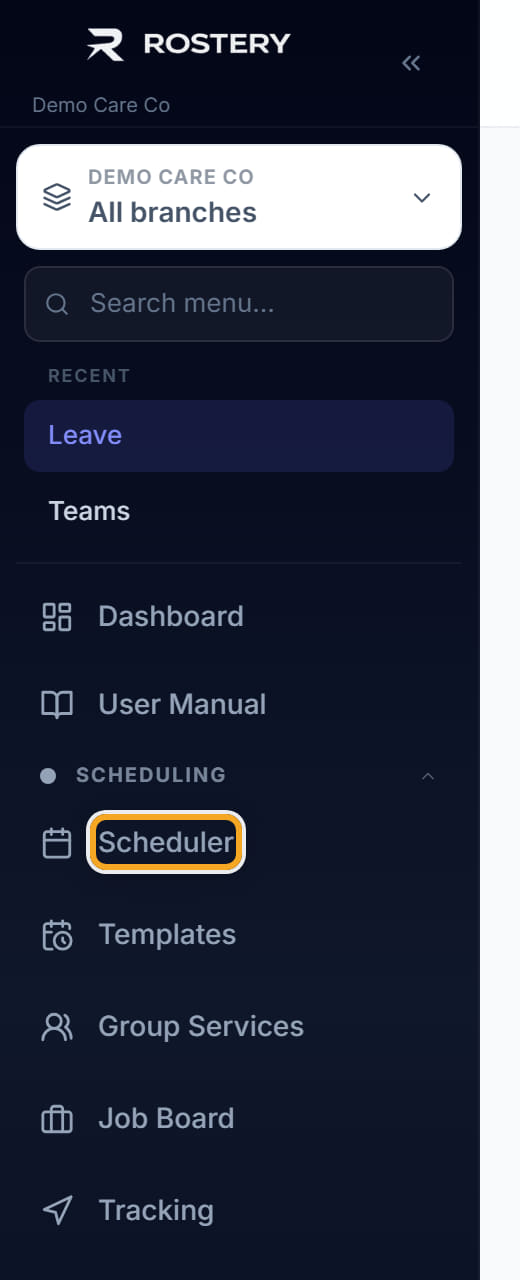
Approve or decline. Approved leave makes the worker unavailable in the Scheduler for those dates.
- 3
Check the roster for the period before approving — the request may sit over shifts already assigned.
The screen
Did this answer your question?
If not, talk to us — we answer from Australia, in business hours.