
How do I…?
Tell Rostery when a worker can work
Staff profile → Availability5 steps
Written by Fahid Safdar, Founder & Product, Rostery · Checked
So the roster stops offering them shifts they cannot do.
Do this
- 1
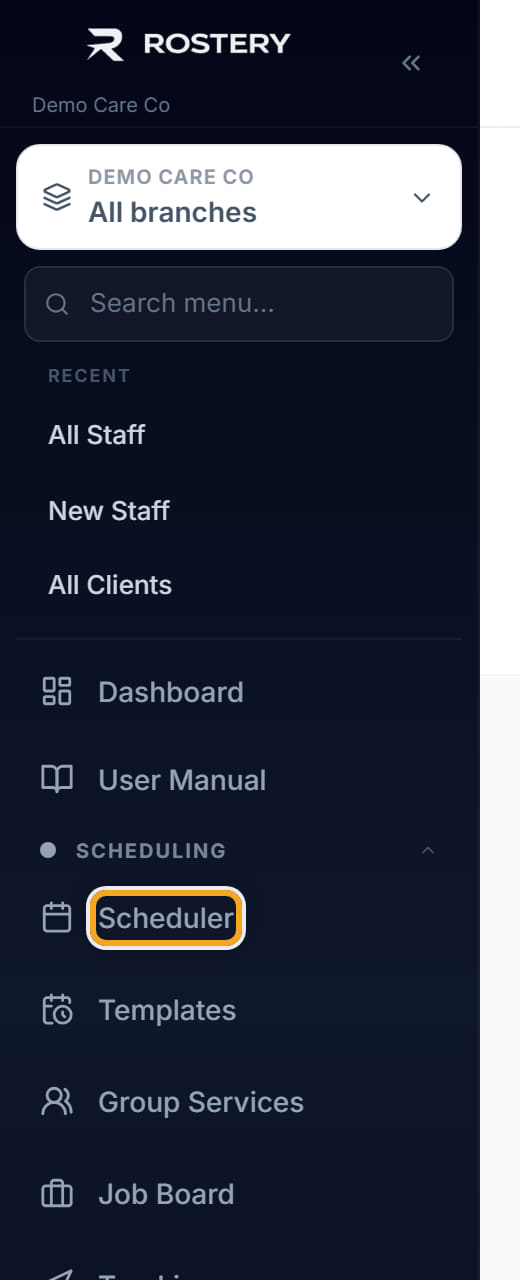
Open the worker.
- 2
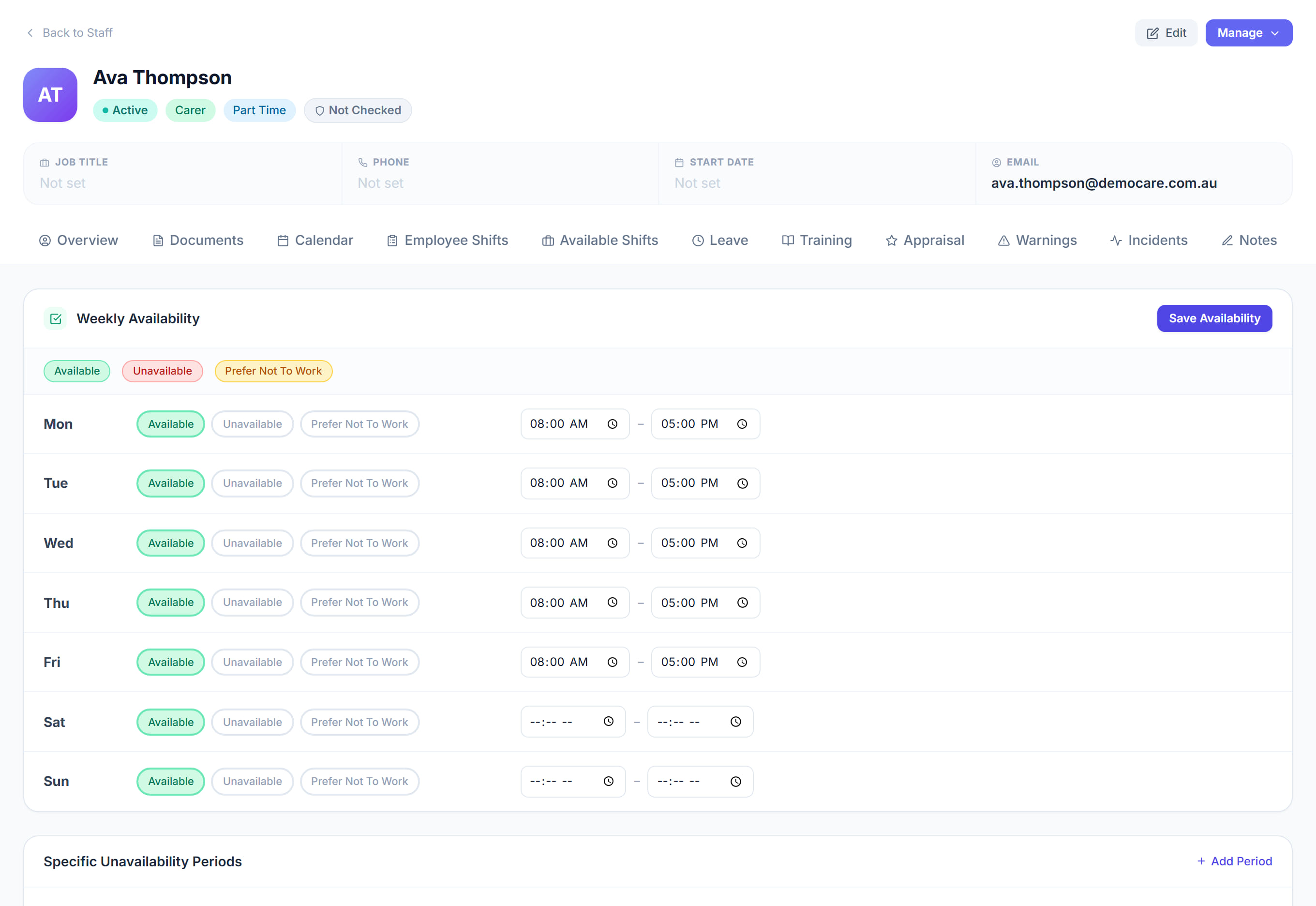
Go to Availability.

- 3
Tick the days and times they are available.
- 4
Click Save.
- 5
The Scheduler now uses this when it suggests people for a shift.
The screen
Did this answer your question?
If not, talk to us — we answer from Australia, in business hours.