
How do I…?
Add a service type
Settings → Service Types10 steps
Written by Fahid Safdar, Founder & Product, Rostery · Checked
A kind of support you deliver — personal care, community access, transport. This is what you pick when you make a shift.
Do this
- 1
Go to Settings, then Service Types.

- 2
Click New Service Type.

- 3
Type the name, the one your team will recognise on the roster.
- 4
Pick the Kind: Individual (one worker, one participant), Group, SIL, Transport or Expense.

- 5
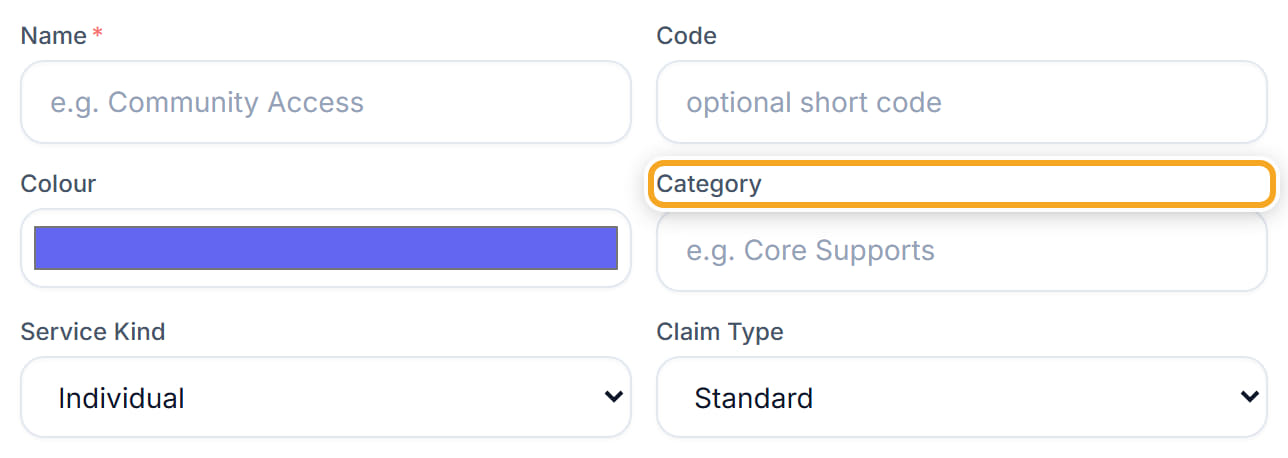
Pick the Category.
- 6
Put in the NDIS Item number. This is what ends up on the claim, so copy it from the price guide rather than typing from memory.

- 7
Set how many staff it normally needs.
- 8
Tick Active.
- 9
Click Add.
- 10
The new service type now appears when you create a shift.
Did this answer your question?
If not, talk to us — we answer from Australia, in business hours.