
How do I…?
Add a contact for a participant
Client profile → Contacts7 steps
Written by Fahid Safdar, Founder & Product, Rostery · Checked
A family member, guardian or the participant themselves — and the email you will send things to.
Do this
- 1
Open the participant from the Clients list.

- 2
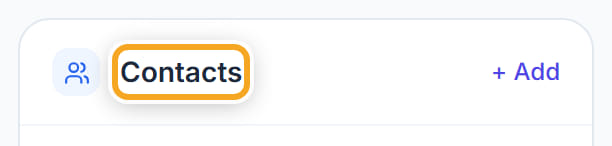
Go to the Contacts section.
- 3
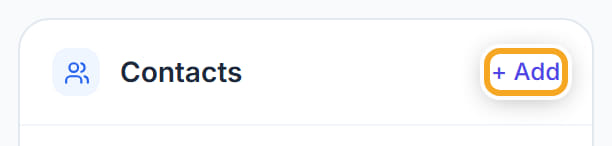
Click Add.
- 4
Type their first name, last name and how they are related.
- 5
Put in an email address and a phone number.
- 6
Tick Primary if this is the main person to contact.
- 7
Click Save.
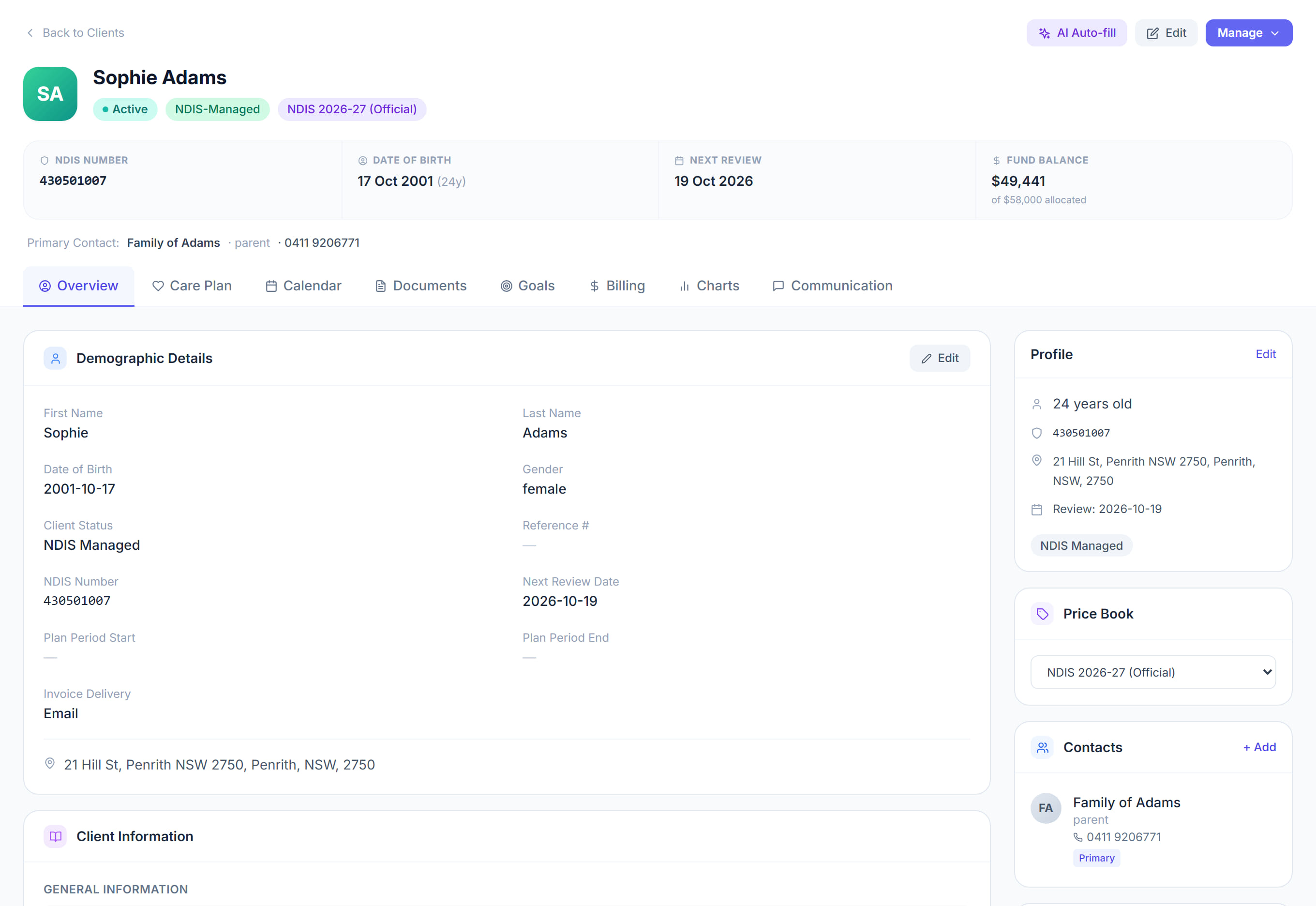
The screen
Did this answer your question?
If not, talk to us — we answer from Australia, in business hours.