
Scheduling
Templates
/templates3 stepsWritten by Fahid Safdar, Founder & Product, Rostery · Checked
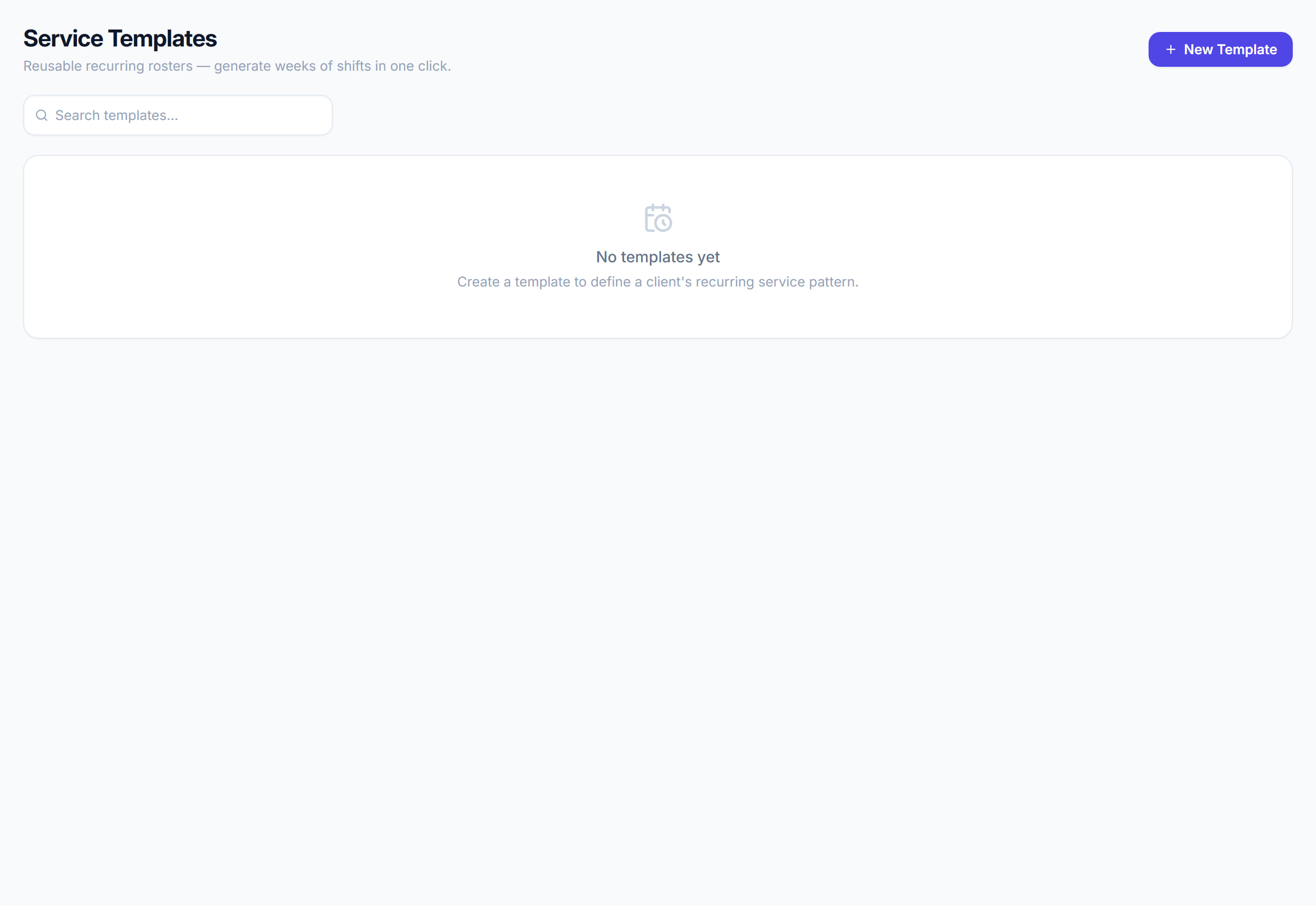
Repeating roster patterns. Build the shape of a typical week once and roll it forward instead of re-entering it.
Step by step
- 1
Create a template and add the shifts that make up a normal week for that participant or team.
- 2
Apply it to a date range. Rostery generates the shifts and reports anything it had to skip — a public holiday, a clash with an existing shift.
- 3
Review the skipped list before you publish. It is the part people miss.
The screen
Did this answer your question?
If not, talk to us — we answer from Australia, in business hours.