
Scheduling
Job Board
/job-board3 stepsWritten by Fahid Safdar, Founder & Product, Rostery · Checked
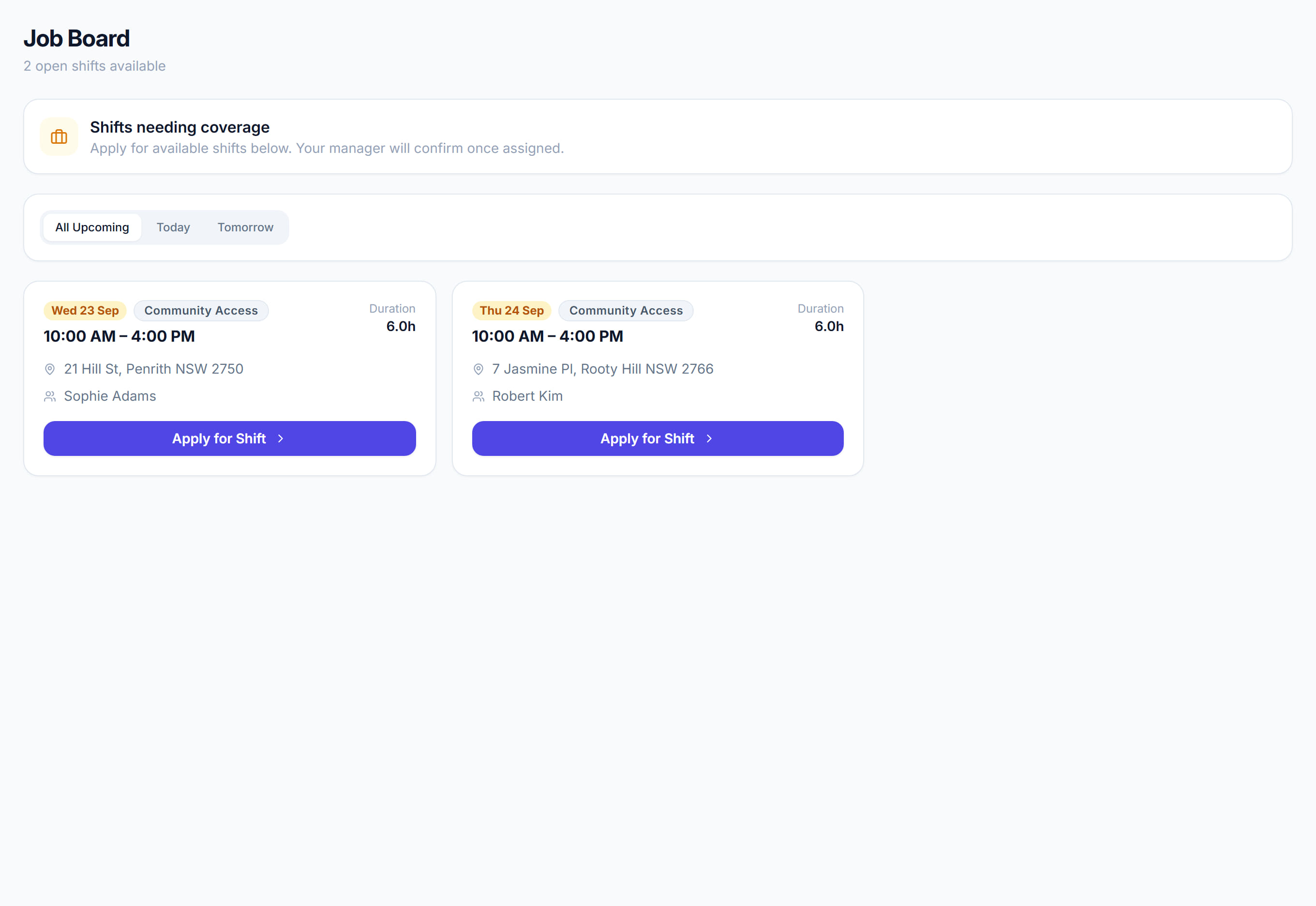
Shifts nobody has accepted, offered out to eligible workers so they can claim them.
Step by step
- 1
Post an unfilled shift to the board, optionally limited to one team.
- 2
Workers see it in the mobile app and accept from there.
- 3
Approve or decline the claim. Approving assigns the shift and notifies them.
The screen
Did this answer your question?
If not, talk to us — we answer from Australia, in business hours.