
Insights
Activity Log
/activity2 stepsWritten by Fahid Safdar, Founder & Product, Rostery · Checked
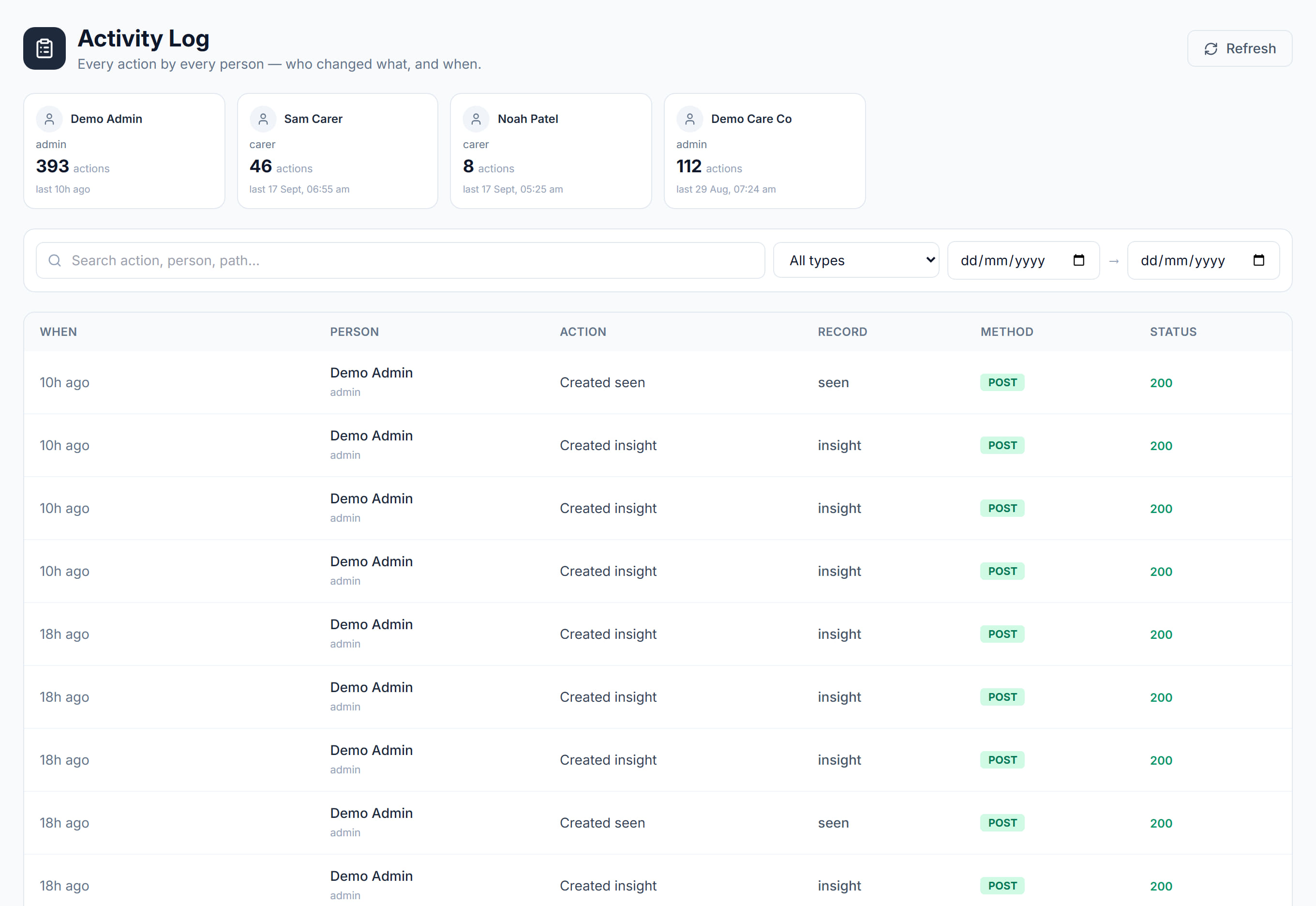
Who did what in Rostery: the audit trail of changes.
Step by step
- 1
Filter by user, date or record.
- 2
This is the record that answers "who changed this".
The screen
Did this answer your question?
If not, talk to us — we answer from Australia, in business hours.